Searching for misplaced items is frustrating and often requires a caregiver when mobility is impaired.
Where’s my wallet? Where are my sunglasses? Need to find the checkbook? These disruptions can be a challenge to any busy person but add in a physical mobility challenge and the task of finding the items can be frustrating and at times impossible to accomplish alone.
Is it under the bed? Between the cushions on the couch? The search may have to wait until a caregiver, or family member has the time to look in all the places the item may have ended up.
Fortunately, AirTag technology makes it easier to stay organized and keep track of frequently used items. AirTag provides a simple tool to help people locate personal belongings quickly and easily.
What is an AirTag?
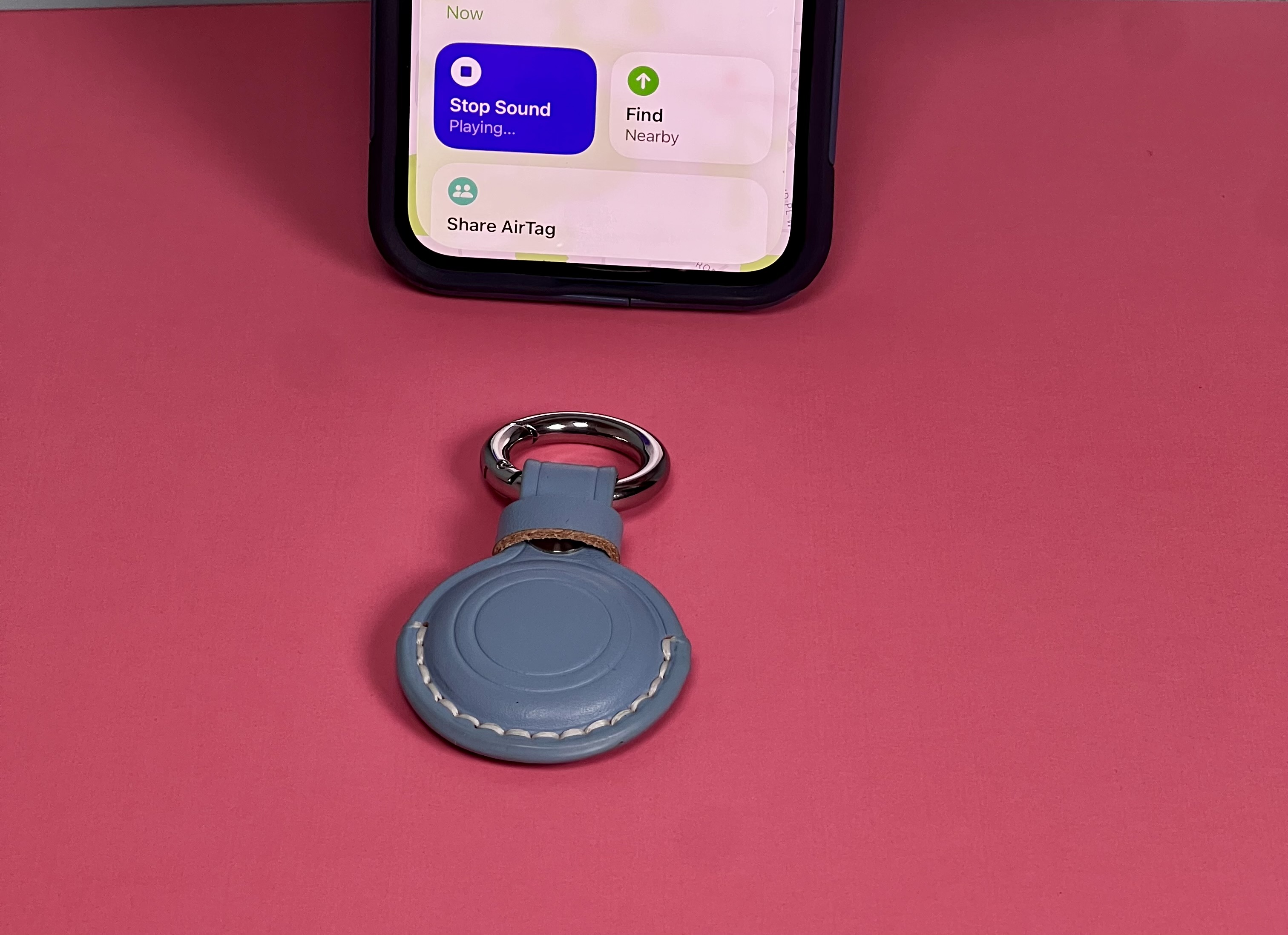
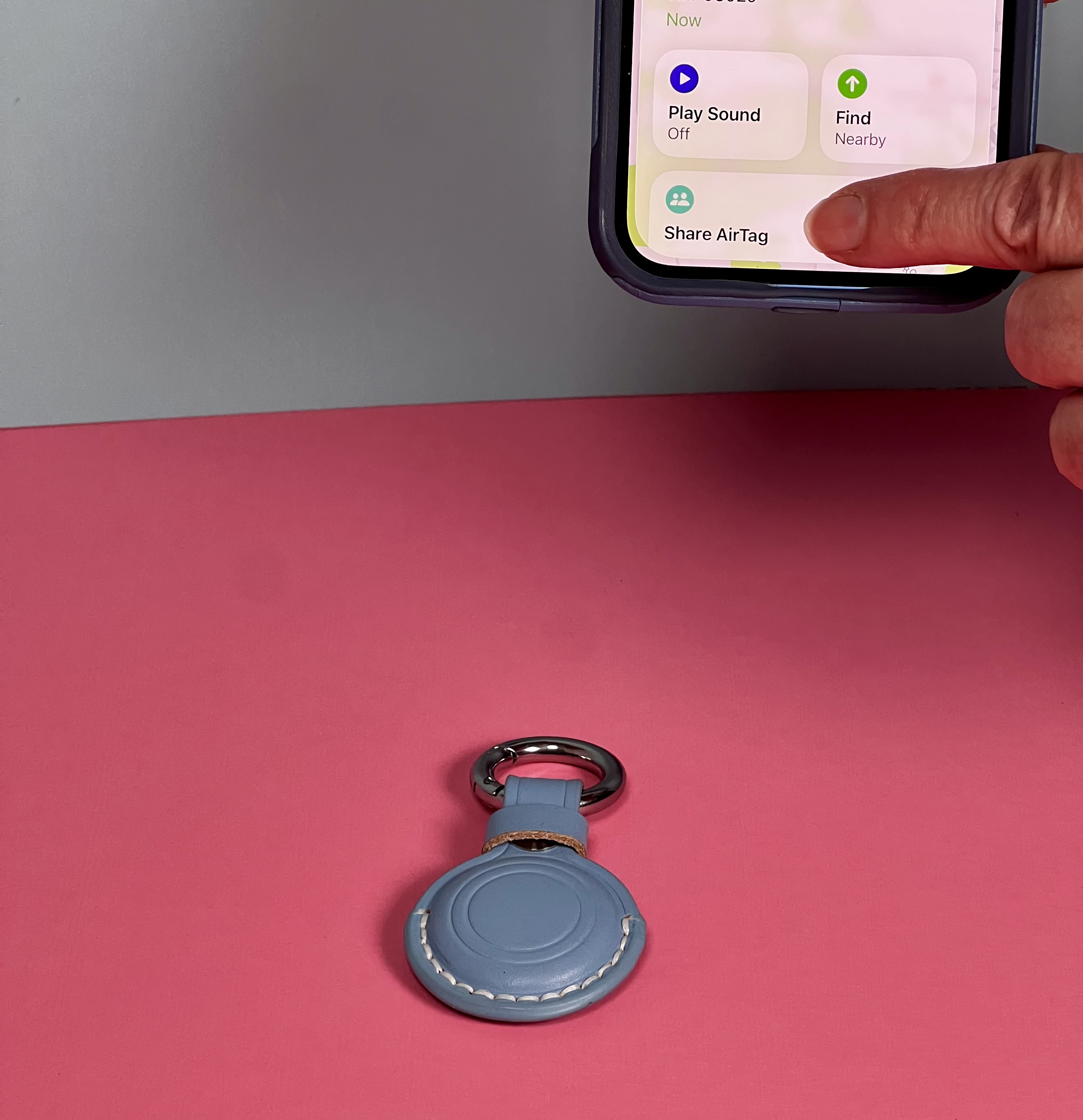
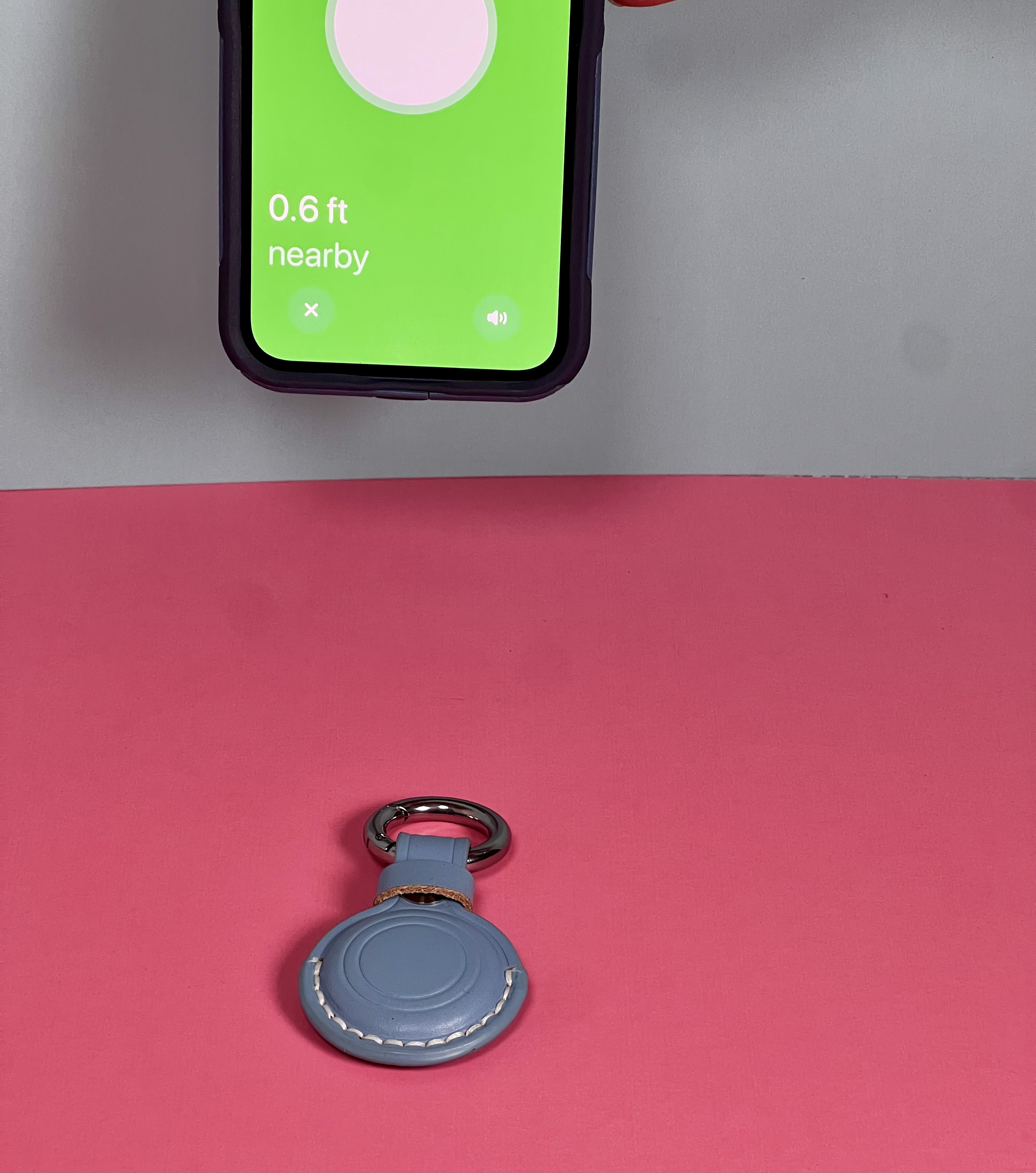
An AirTag is a small round tracking device about the size of a quarter. The device is attached to any personal item you want to track. Once the AirTag is attached, it can help identify the last known location and when nearby, play a sound to help you find it. It is straightforward to set-up the AirTag tracking system using the FindMy app on the Iphone, iPad, or other apple device.
Identify selected personal items to track.
Think of any number of critical essentials that you would like to track to make your life easier and more organized. Determine the required number of AirTags you needed to track the personal items of interest. Not sure? Start with one! These are some personal items that we find are common choices:
• Wallet
• Purses and Handbags
• Keys
• Checkbook
• Remote controls
• Address Book
• Daily Planner
• Glasses case
• Wheelchair or Walker bag
• Frequently used Tote bags
• Cane or Walker
Attach the AirTag to the item(s) you identify.
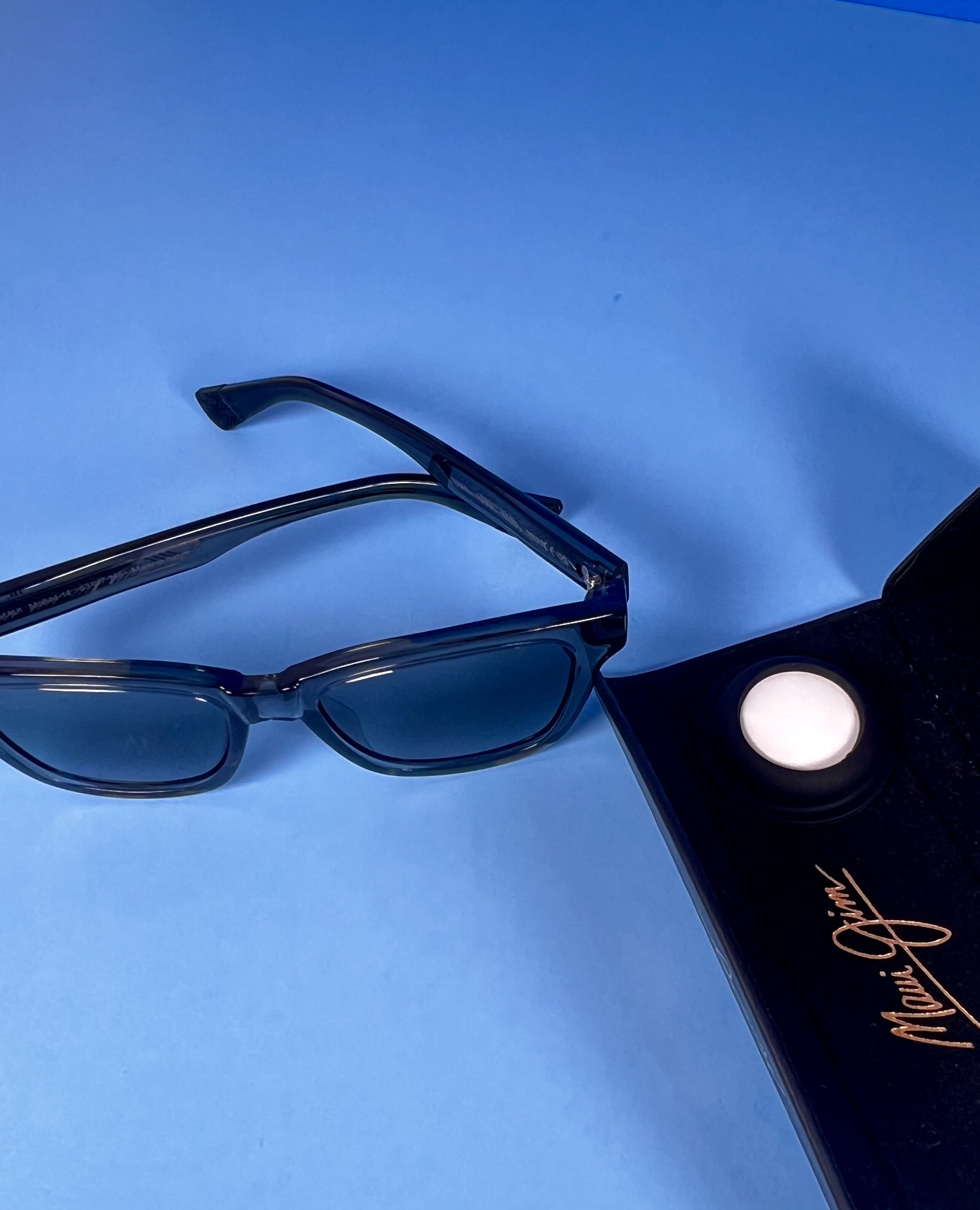
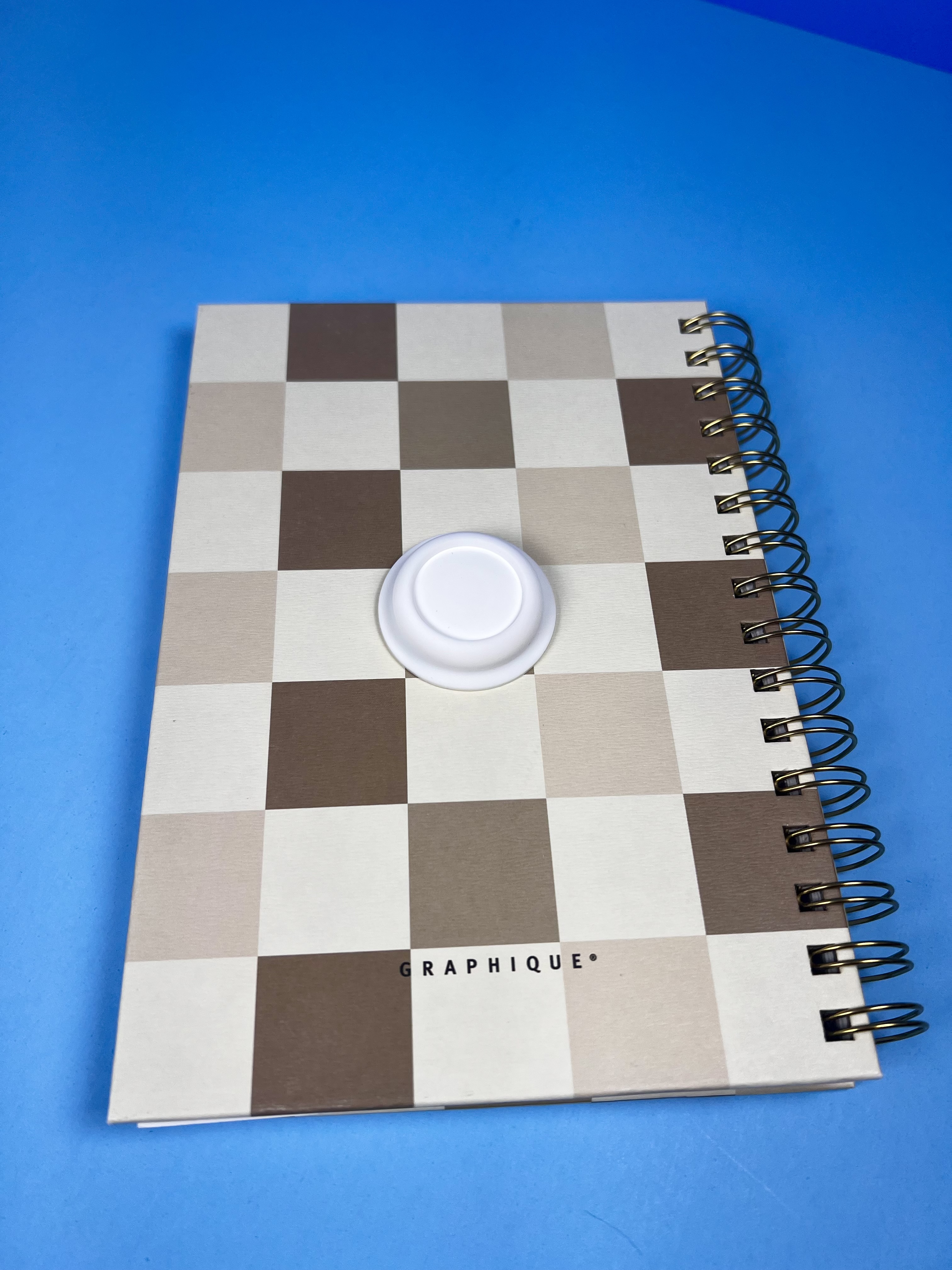
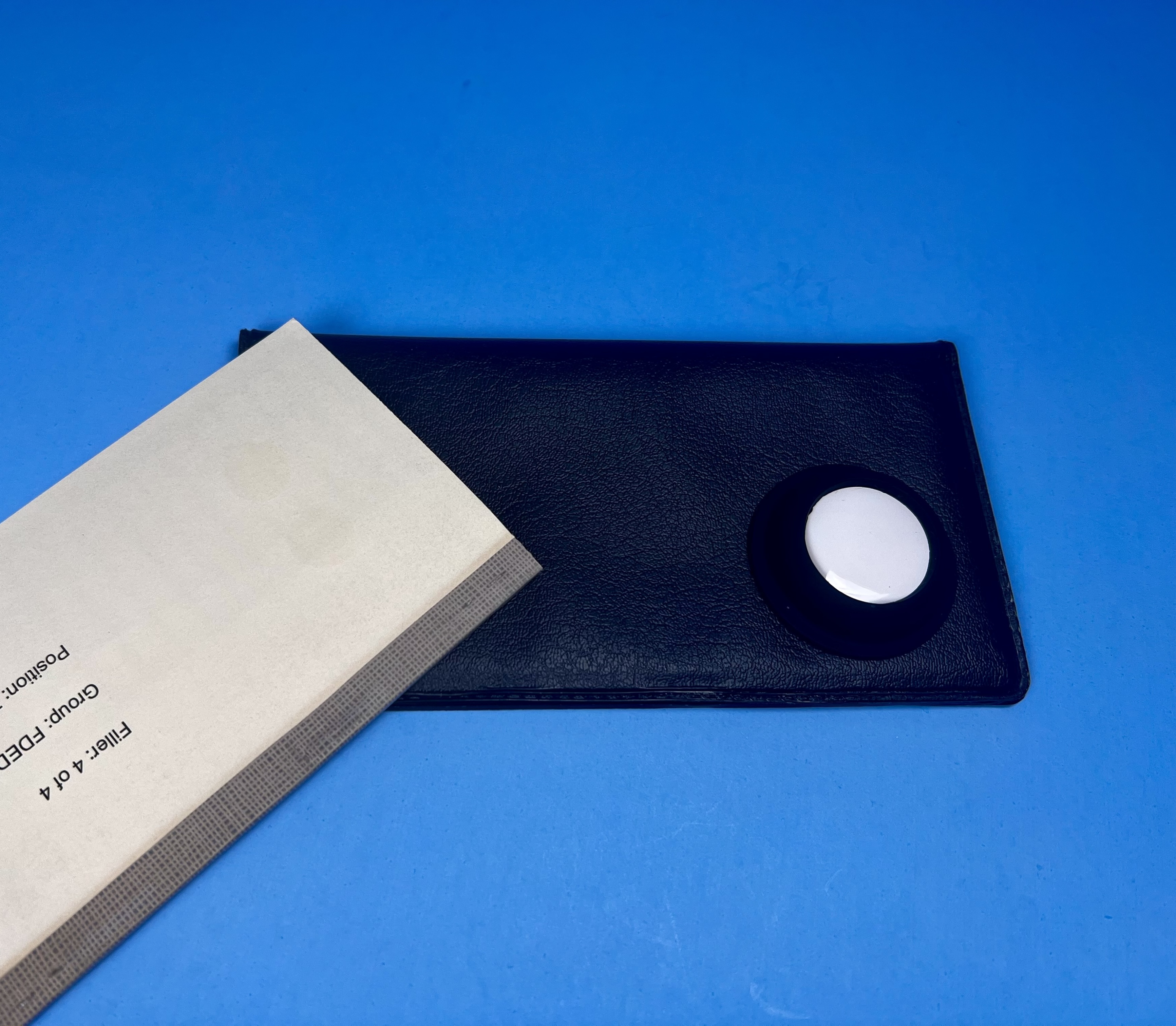
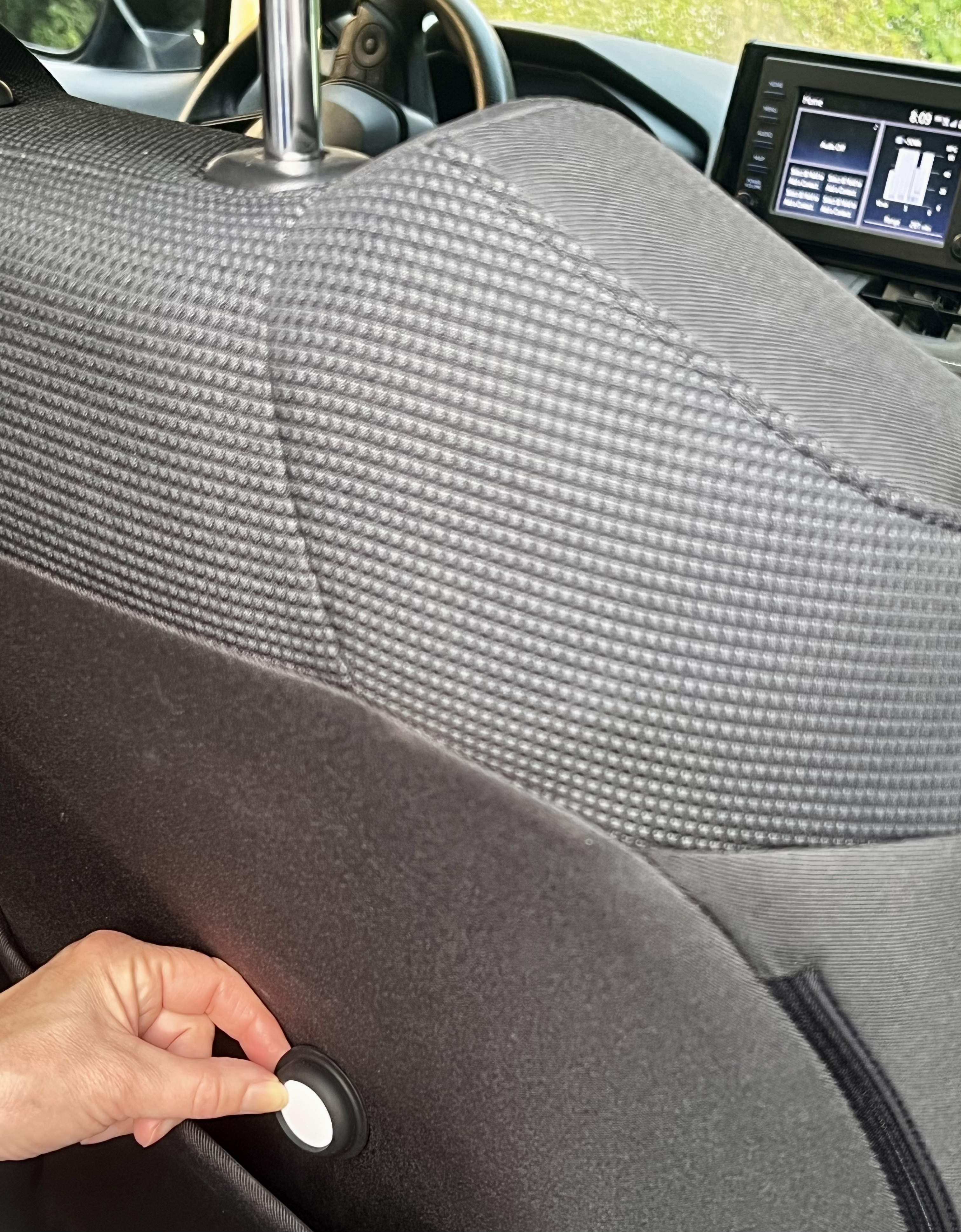
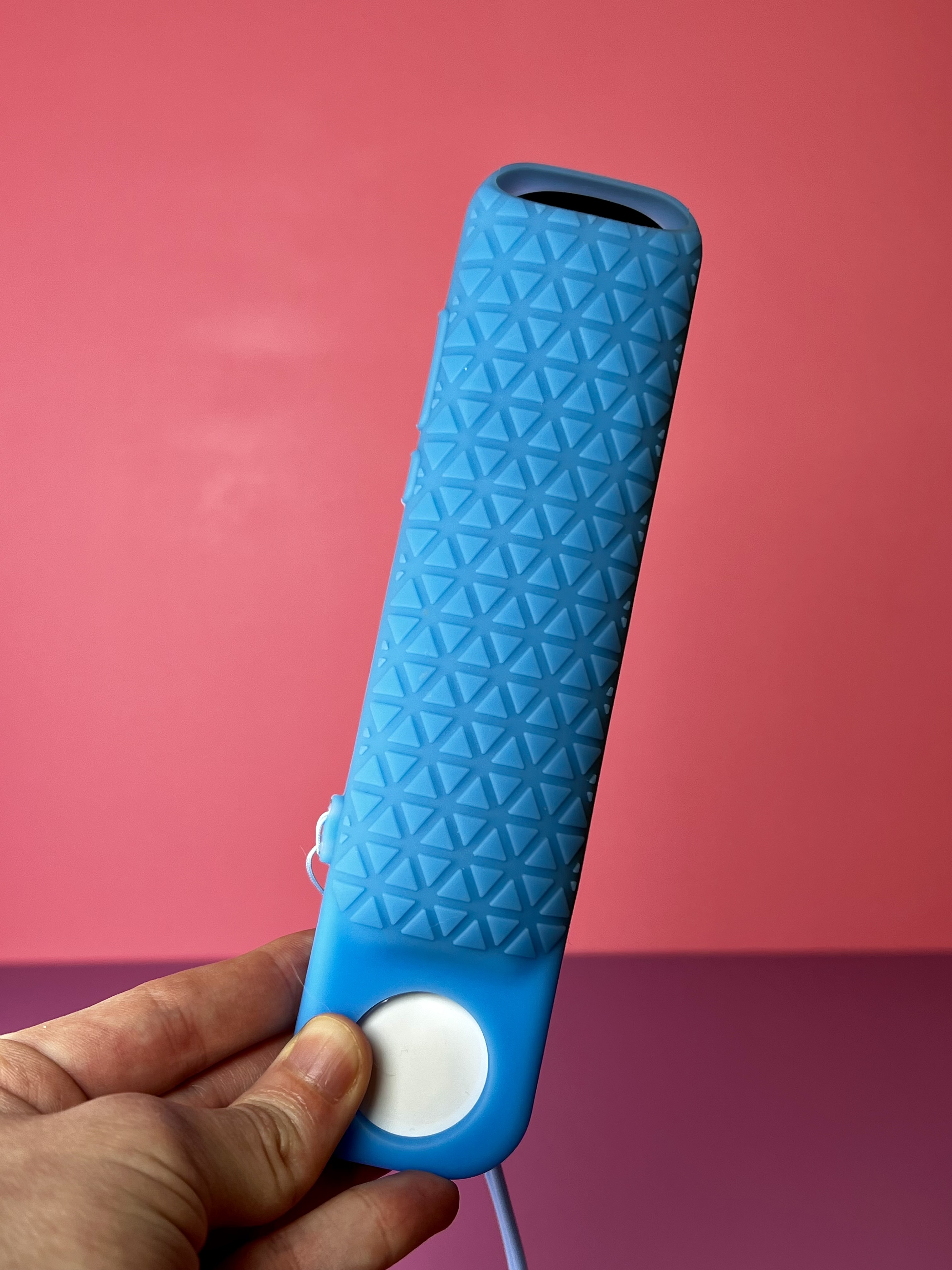
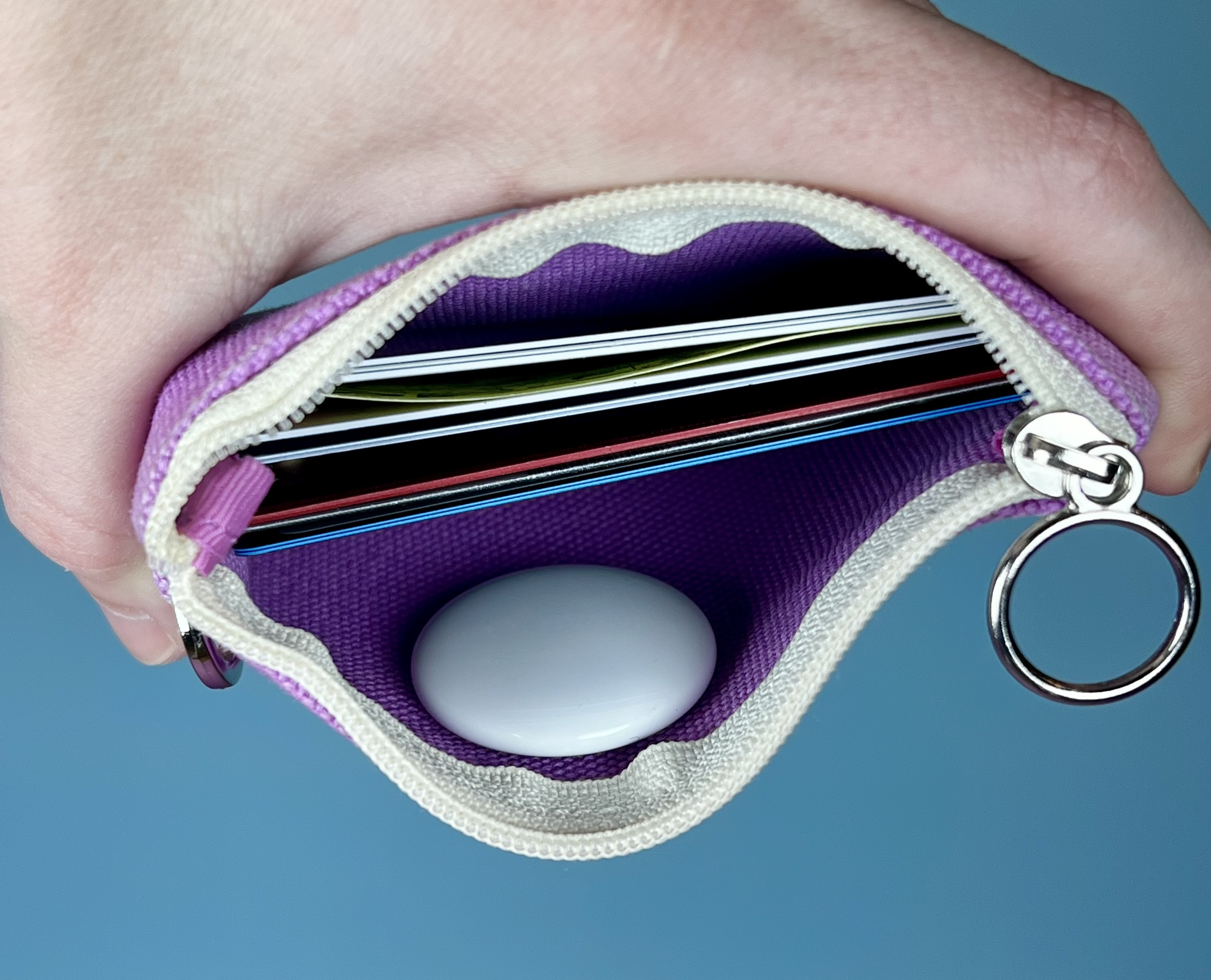
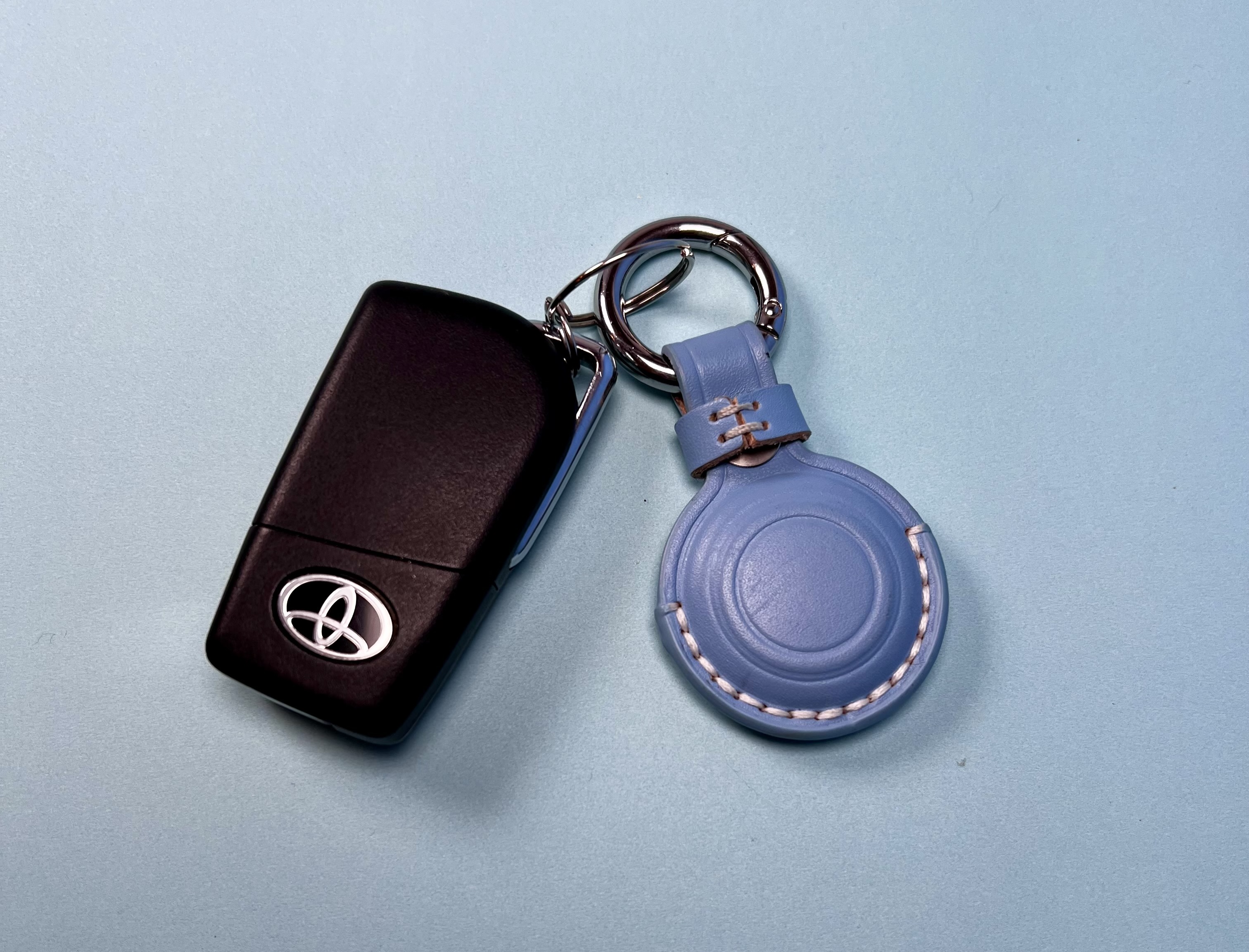
AirTags can be secured to personal items in several ways including by keychain, silicone based attachable holders, or even just placing the tag within the bag, purse, wallet, remote control cover.
Use FindMy app AirTag identification system and find the location of your Items.
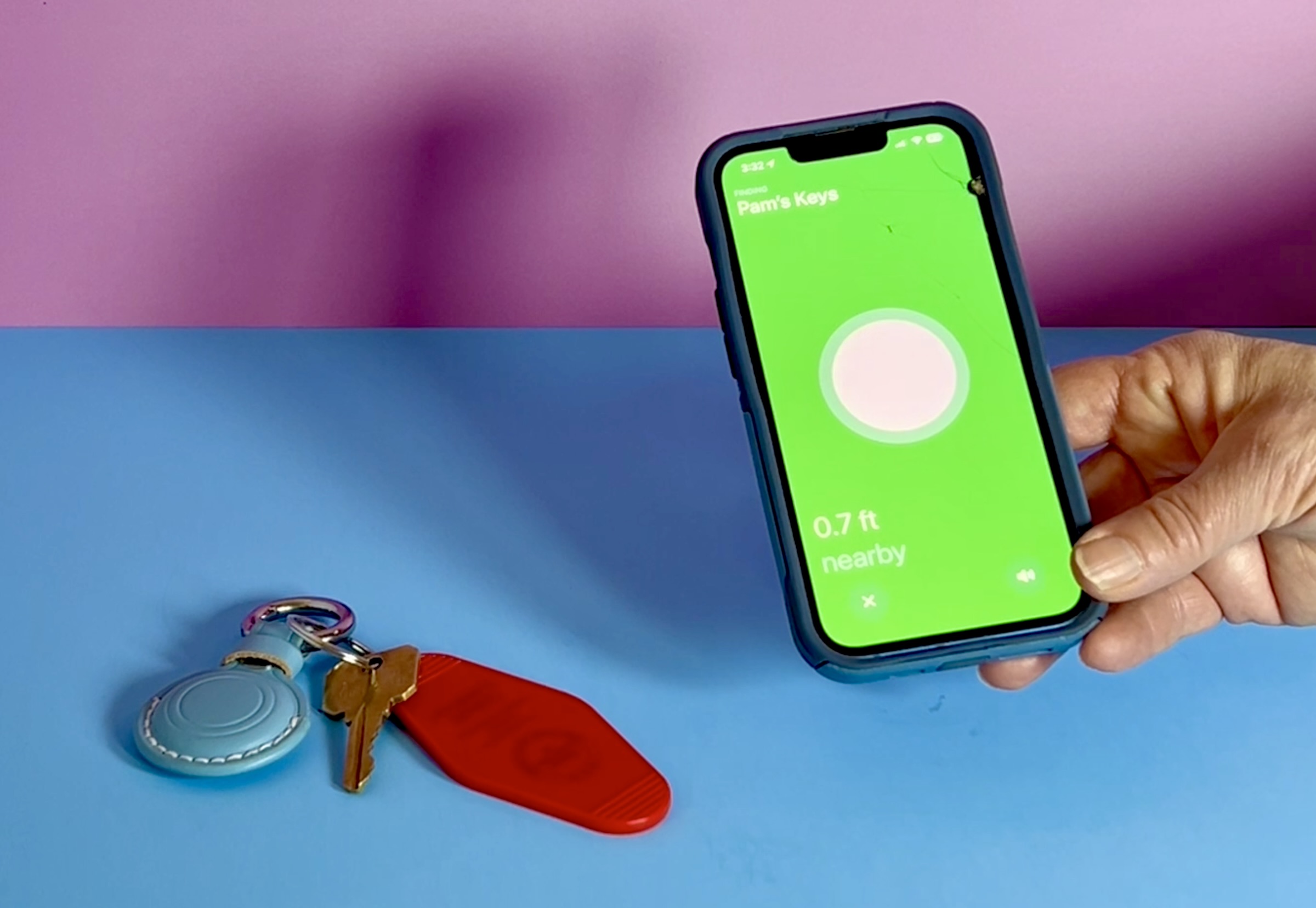
Once the AirTag is attached, simply use the FindMy app on the iPhone, iPad, or another apple device to locate the taggedmissing item. Now the frustration of randomly searching rooms and under furniture, within bed covers, guessing where the item is located at the time you need it is reduced. Just knowing the item is not too far away can ease the mind, support greater independence and save time. Spend more time doing what you want to do now that the item is securely back with you.
An alternative to Apple products
These are specifically for Apple AirTags and therefore work best with Apple devices. There are other available products compatible with Android devices such as Tile Life360 for which you can also purchase adhesive holders and keychain holders.
Our content is based on our personal experience. If you buy through our links, we may earn a commission at no extra cost to you.

AirTags
AirTags are compatible with Apple devices, allowing you to prompt the AirTag to make a sound or track it visually on your Apple devices.
AirTag Keychain Holder
AirTag keychains allow you to easily attach an AirTag to your keys.
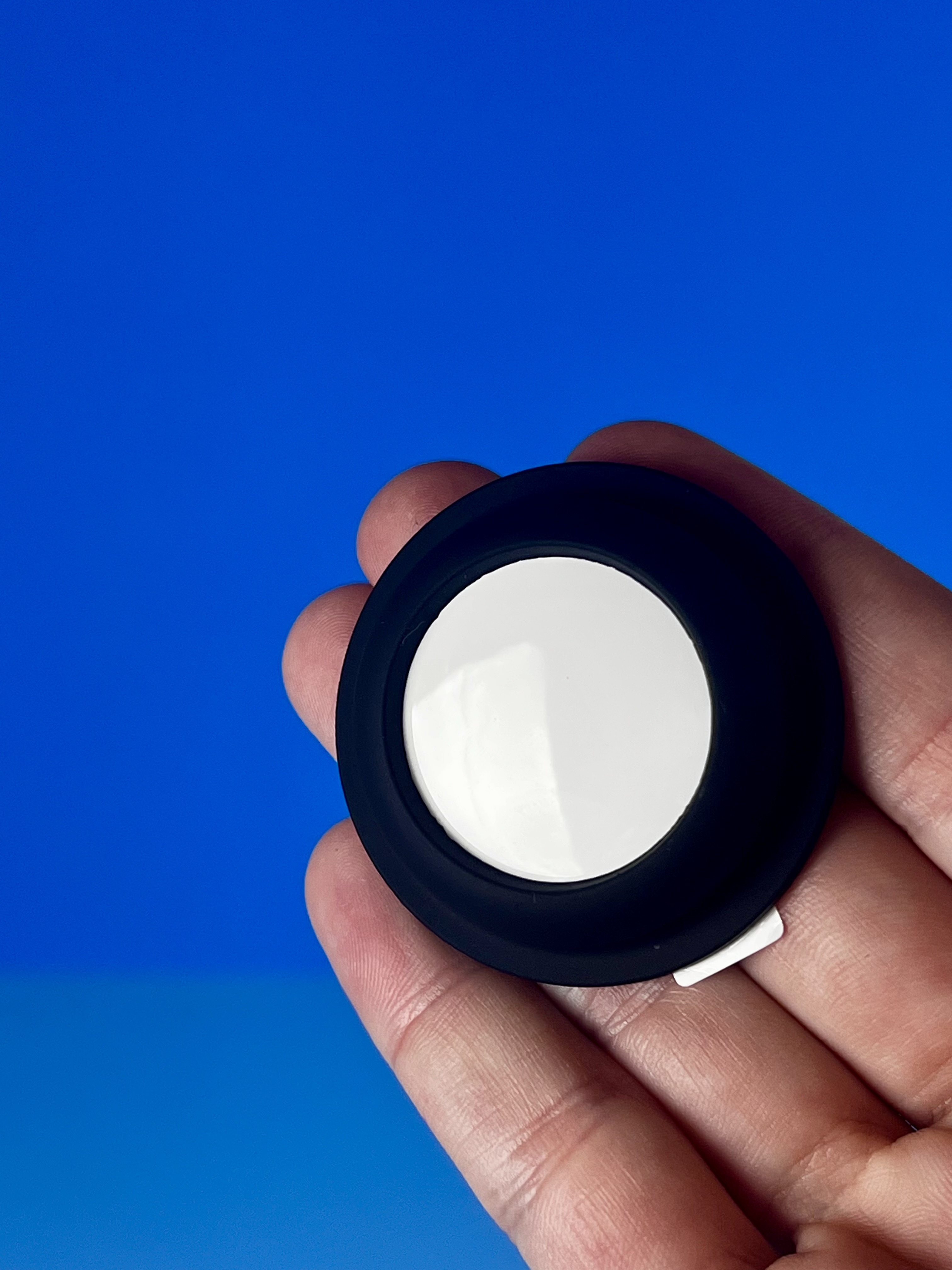
Adhesive AirTag Holder
Adhesive Airtag holders allow you to attach AirTags to any flat surface; this works for notebooks, planners, checkbooks, remotes, cars, you name it!
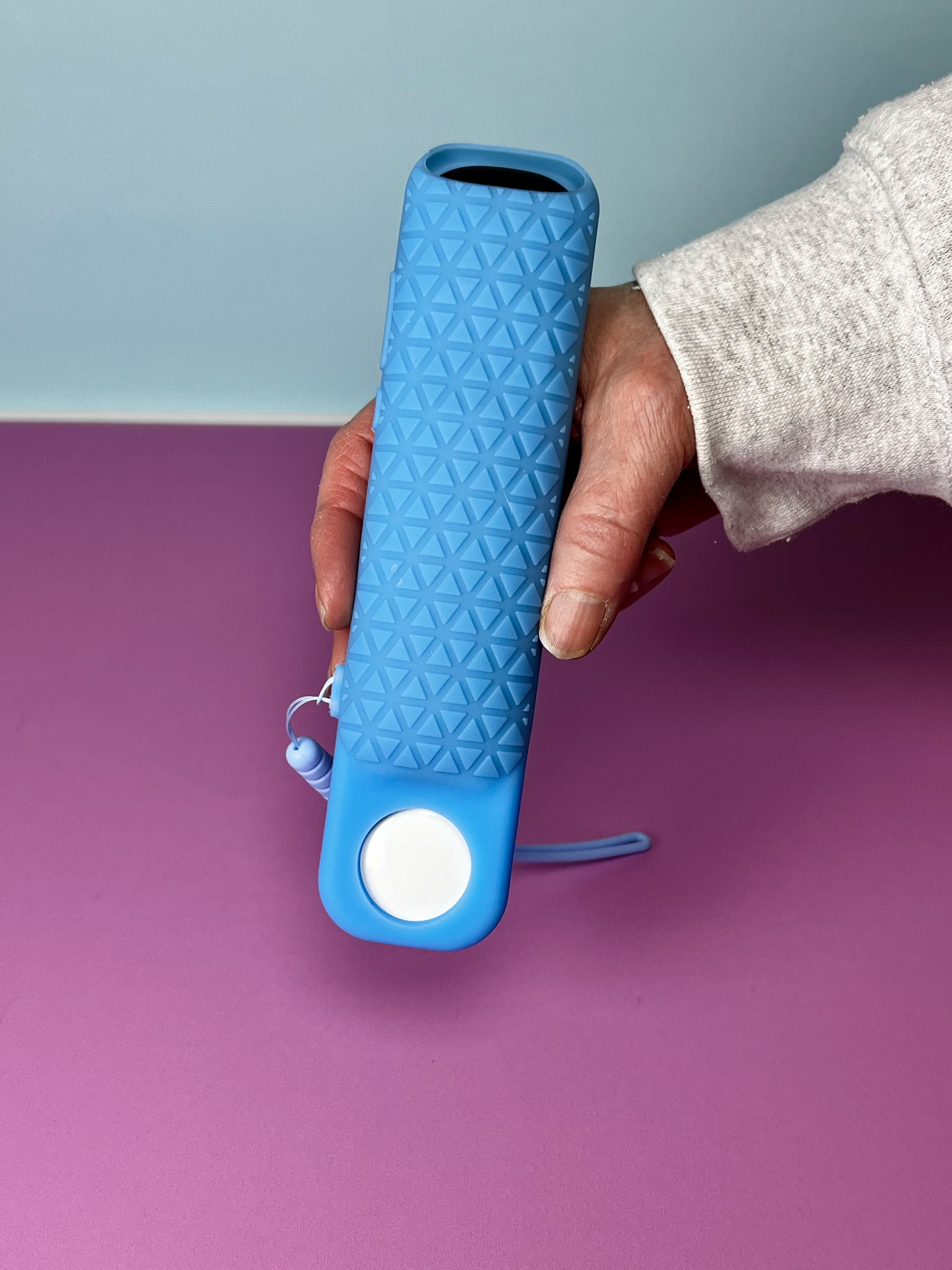
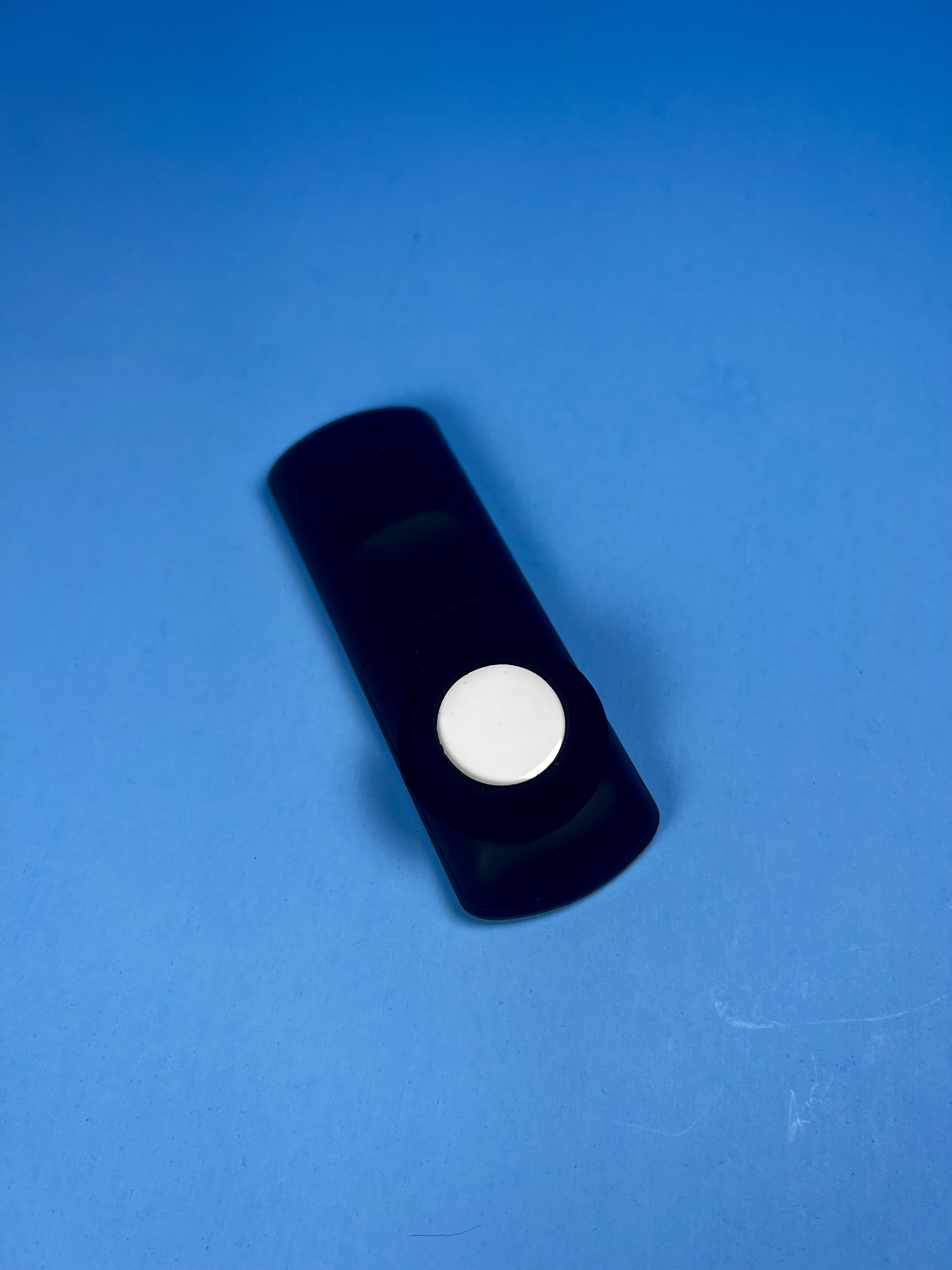
Roku Remote Case with AirTag slot
This remote case allows you to easily attach an AirTag to your Roku remote.