The content on this platform reflects our personal experience with these tools.
Please note that as an Amazon Associate, we earn from qualifying purchases when you use our links at no additional cost to you.
Raised dots to easily find buttons

Get creative with these raised dots of different shapes to help identify buttons
View on Amazon
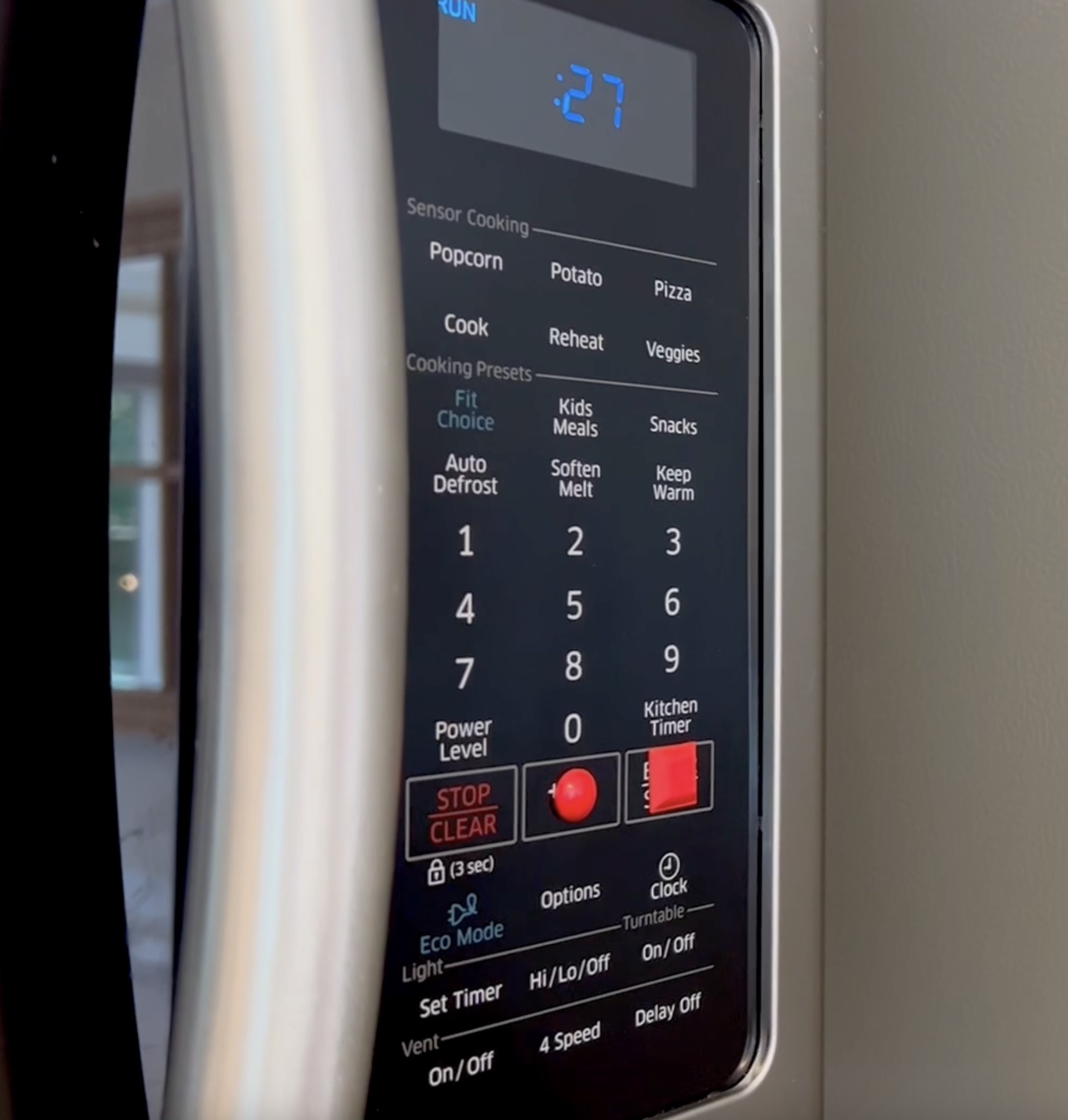
A microwave with red 3d dots on it to identify buttons by touch

Why this is useful to you

Raised dots can make buttons easier to see and identify by touch, especially on flat surfaces or remotes. The different shapes can help you tell buttons apart by feel, like using a square for “on” and a round dot for “off.” They can be especially helpful for quickly finding important controls, whether that’s raising a hospital bed, turning on a lamp, muting the TV, or finding the +30 seconds button on the microwave.

Ways You Can Use It

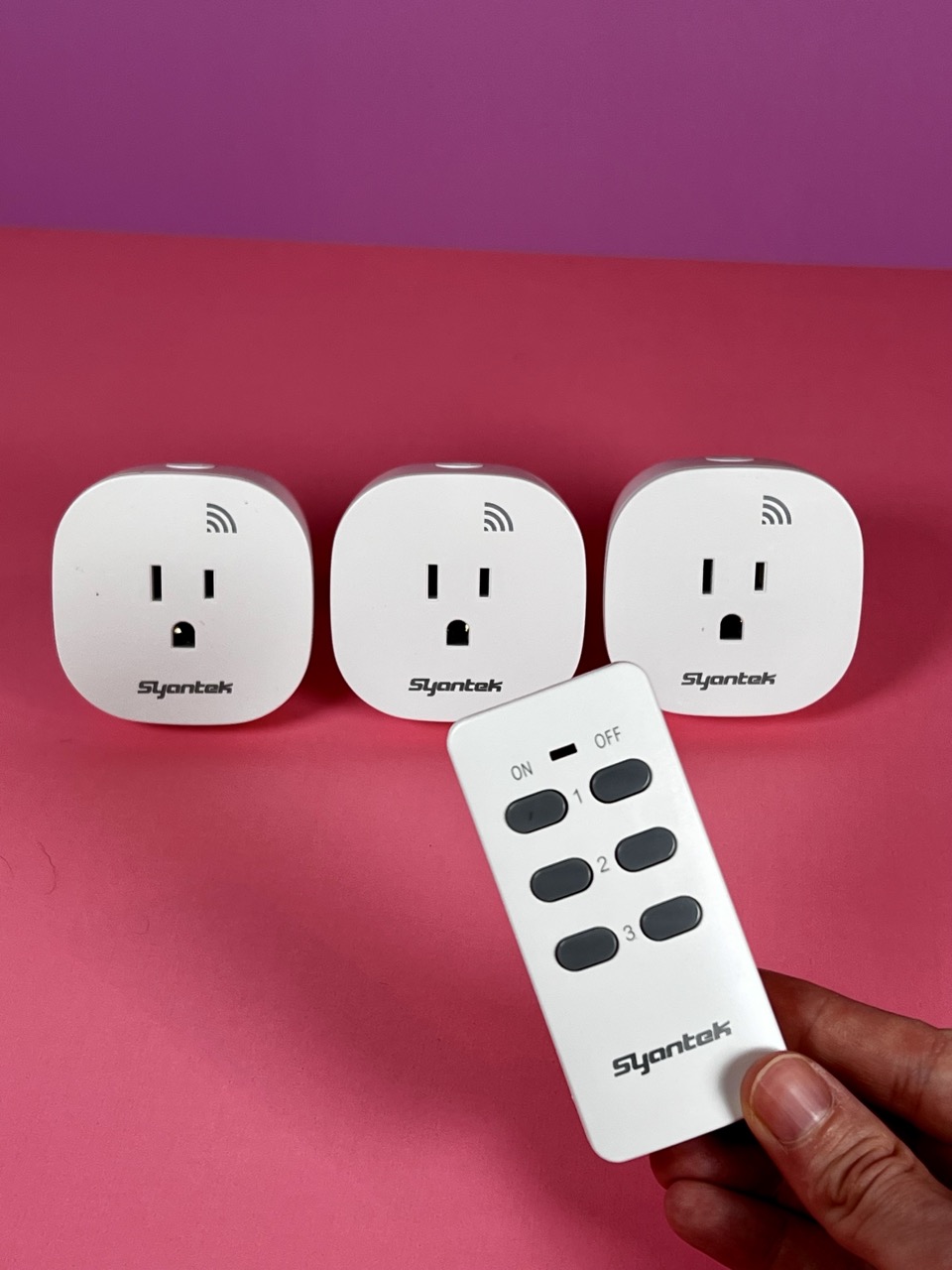
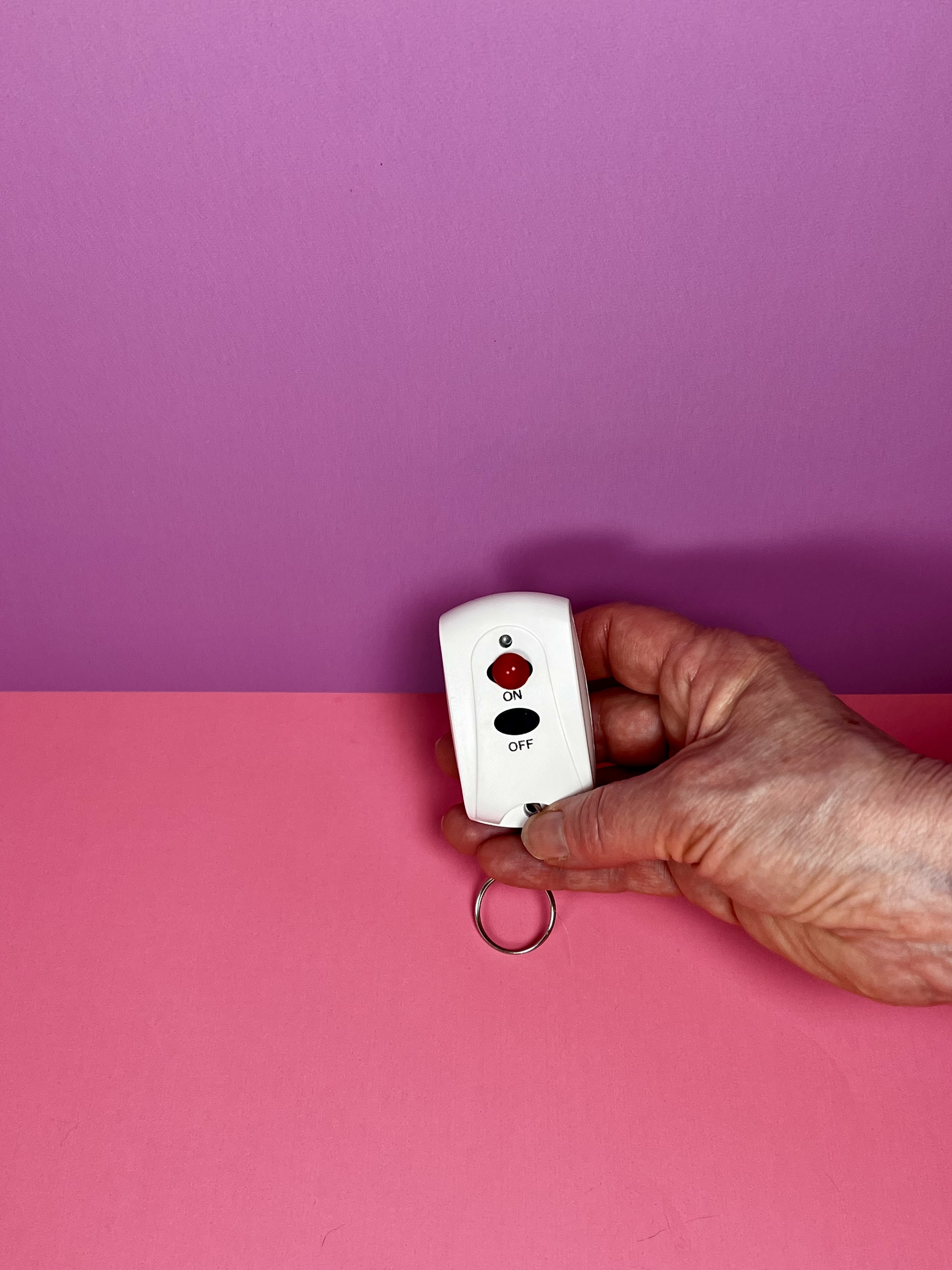
A hand holding a remote to control light switches with a red 3d dot on the "on" button
Blue circle with a black number one inside.
Mark Key Buttons

Raised dots can help identify important buttons by touch, such as on/off controls on remotes, lamps, fans, or other plug-in devices.

A microwave with red 3d dots on it to identify buttons by touch
Black number 2 centered inside a blue circular background.
Feel the Difference

Using different shapes or textures can make it easier to tell buttons apart on flat, crowded, or hard-to-read surfaces.

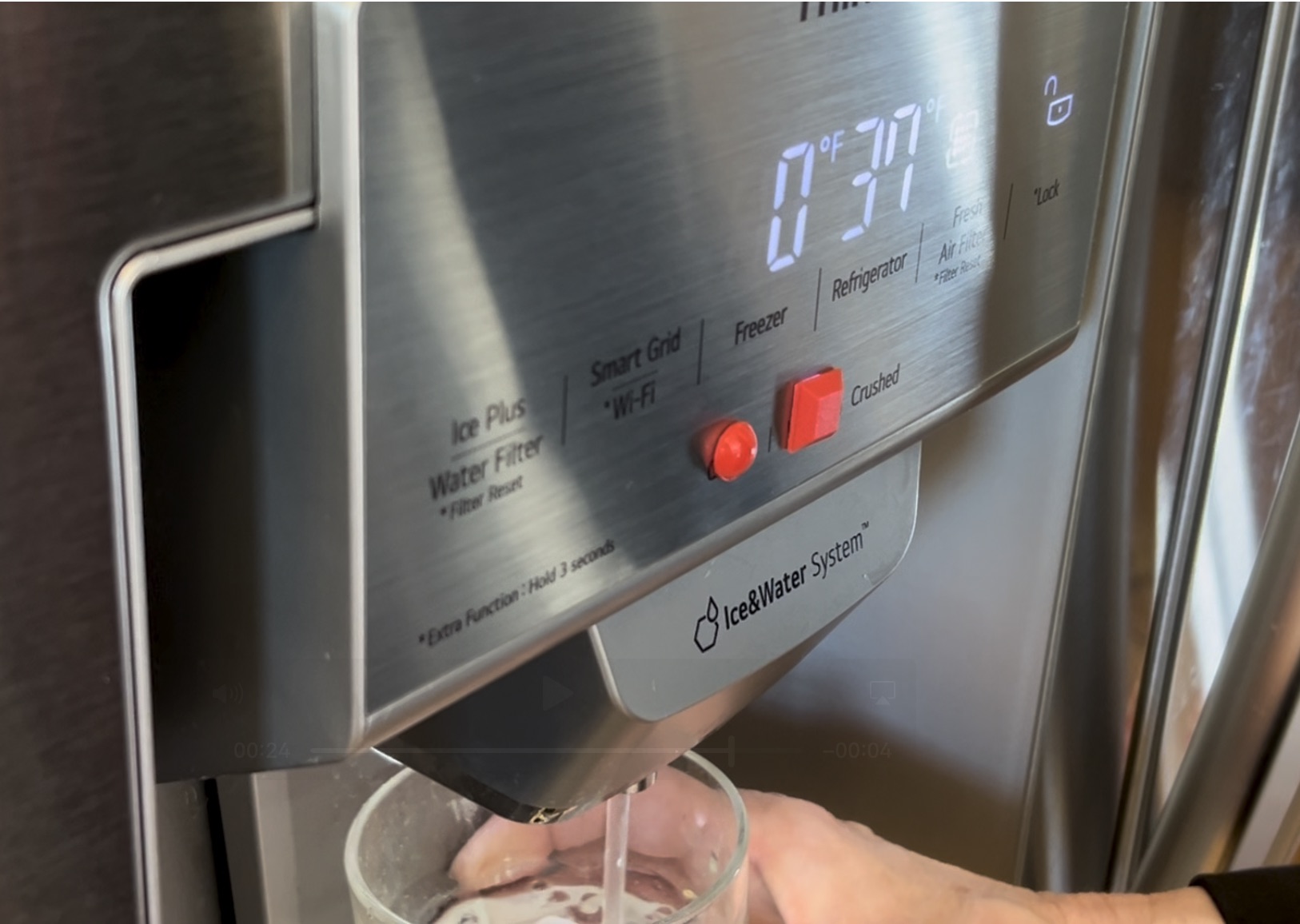
The controls on a fridge with red 3d dots on the water and ice buttons so they can be identified by touch
Black number 3 centered in a turquoise circle.
Find Appliance Controls

Add a raised dot to frequently used appliance buttons, like the water dispenser on a fridge, so they are easier to locate by touch.

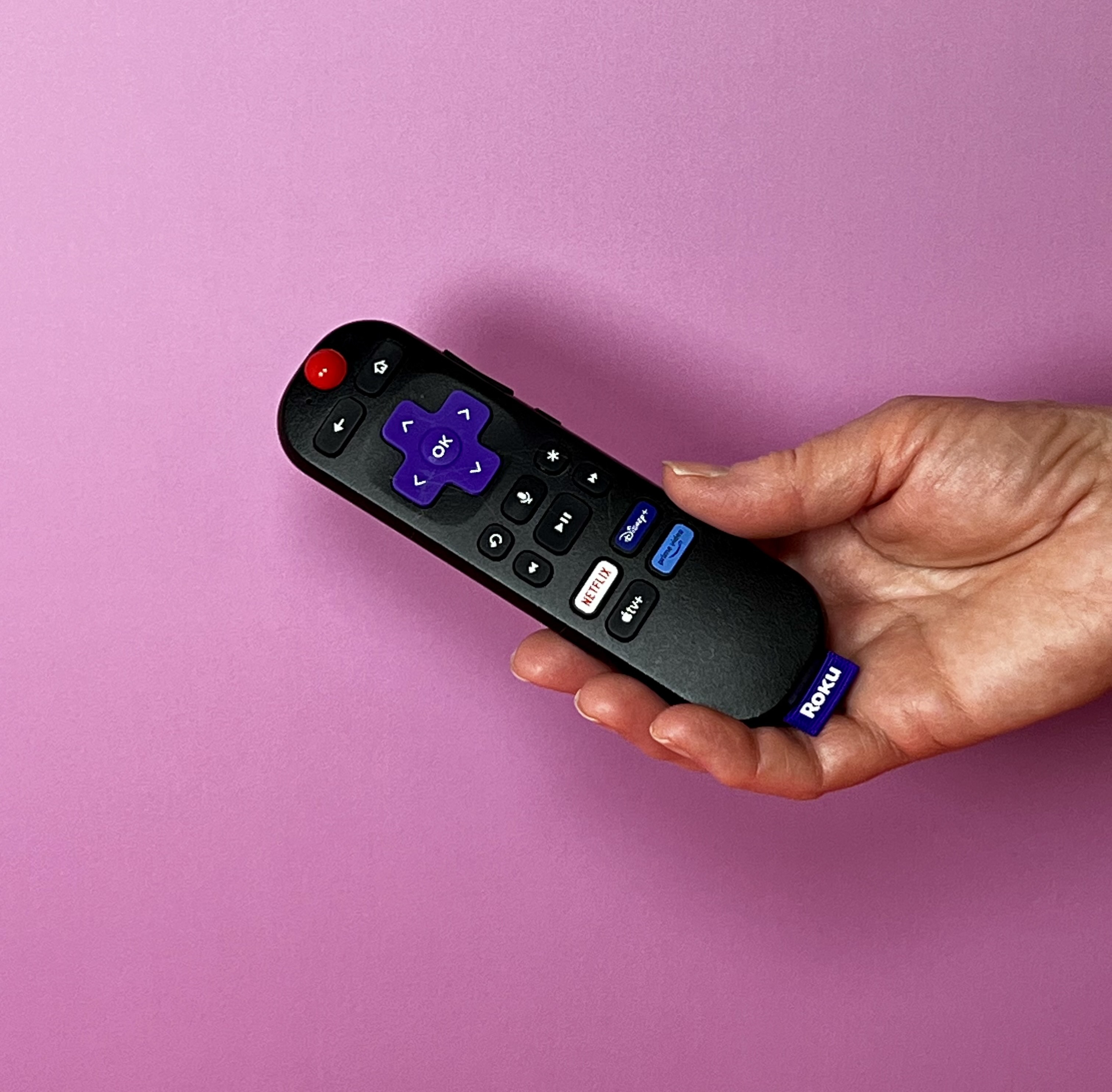
a tv remote with a red 3d dot on the power button
Black number 4 centered on a bright cyan circular background.
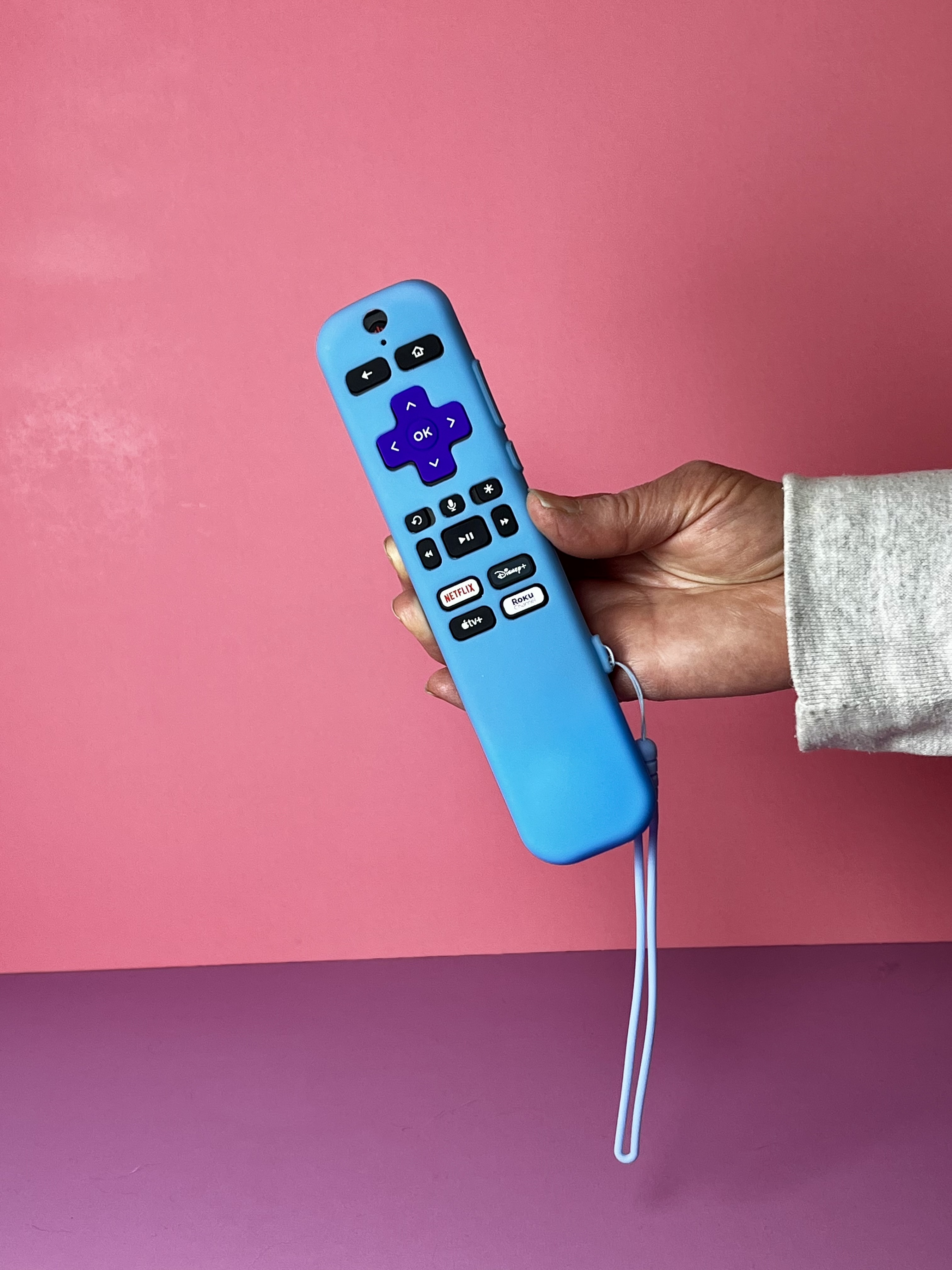
Navigate Remotes Faster

Place dots on essential remote buttons, such as power, volume, mute, or home, to make them quicker to find without looking closely.