
As an Amazon Associate we earn from qualifying purchases at no additional cost to you.
11 Easy Ways to Make a TV Remote Easier for Older Adults
Do any of these sound familiar?
- “I can't find my remote.”
- “I can't see the remote buttons.”
- “The buttons are too small.”
- “My remote is hard to hold.”
- “I keep dropping/losing the remote.”
- “How can I make my remote easier for an older adult to use?”
A few simple changes can make a big difference.
Make the Remote Easier to Find
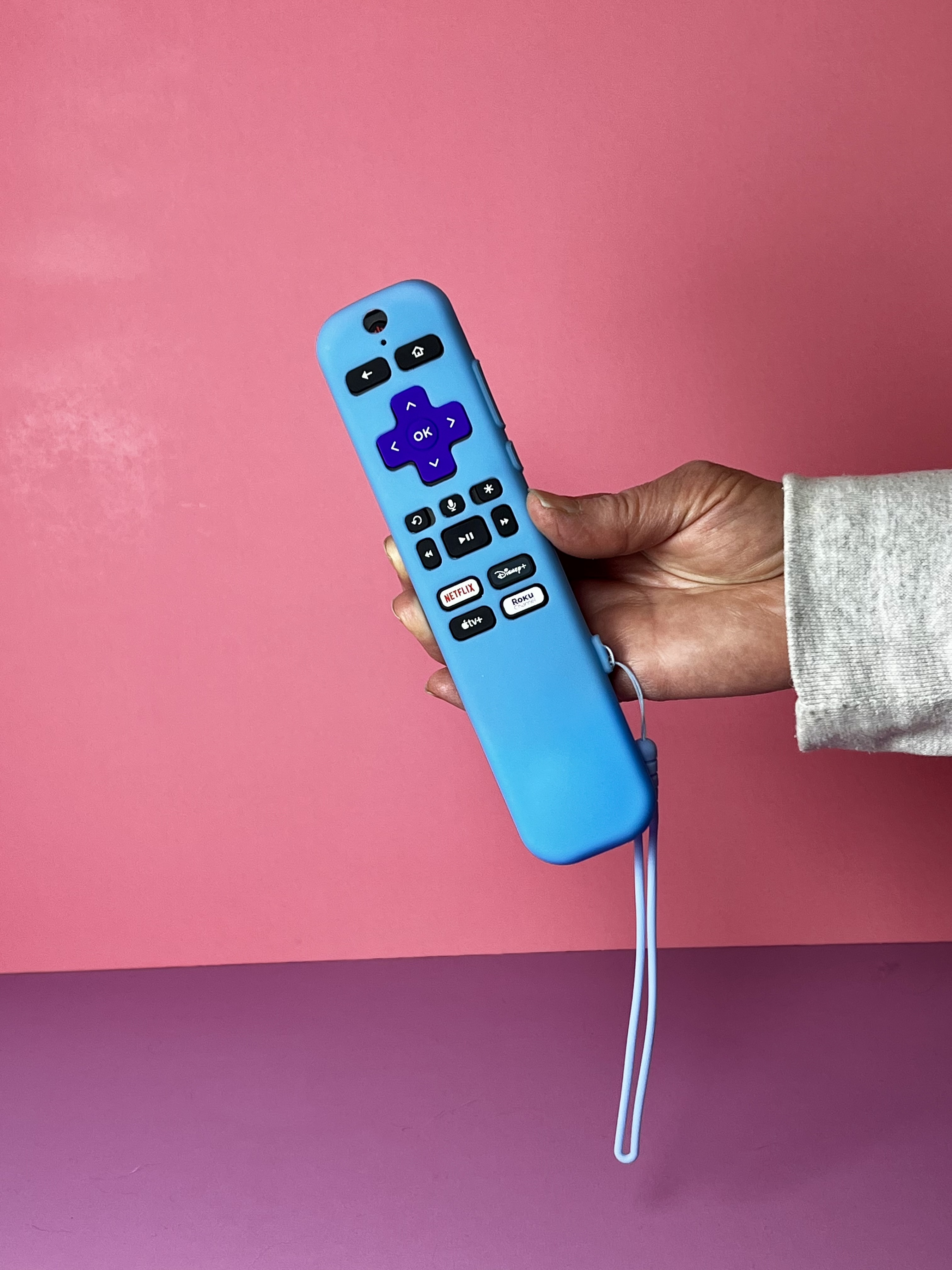
High-Visibility Remote Case With Wrist Strap
A brightly colored remote case can make a dark remote much easier to spot on the couch, bed, or coffee table. Look for a high-contrast color that stands out against your furniture. A wrist strap is another useful feature, especially if the remote tends to get dropped or misplaced.
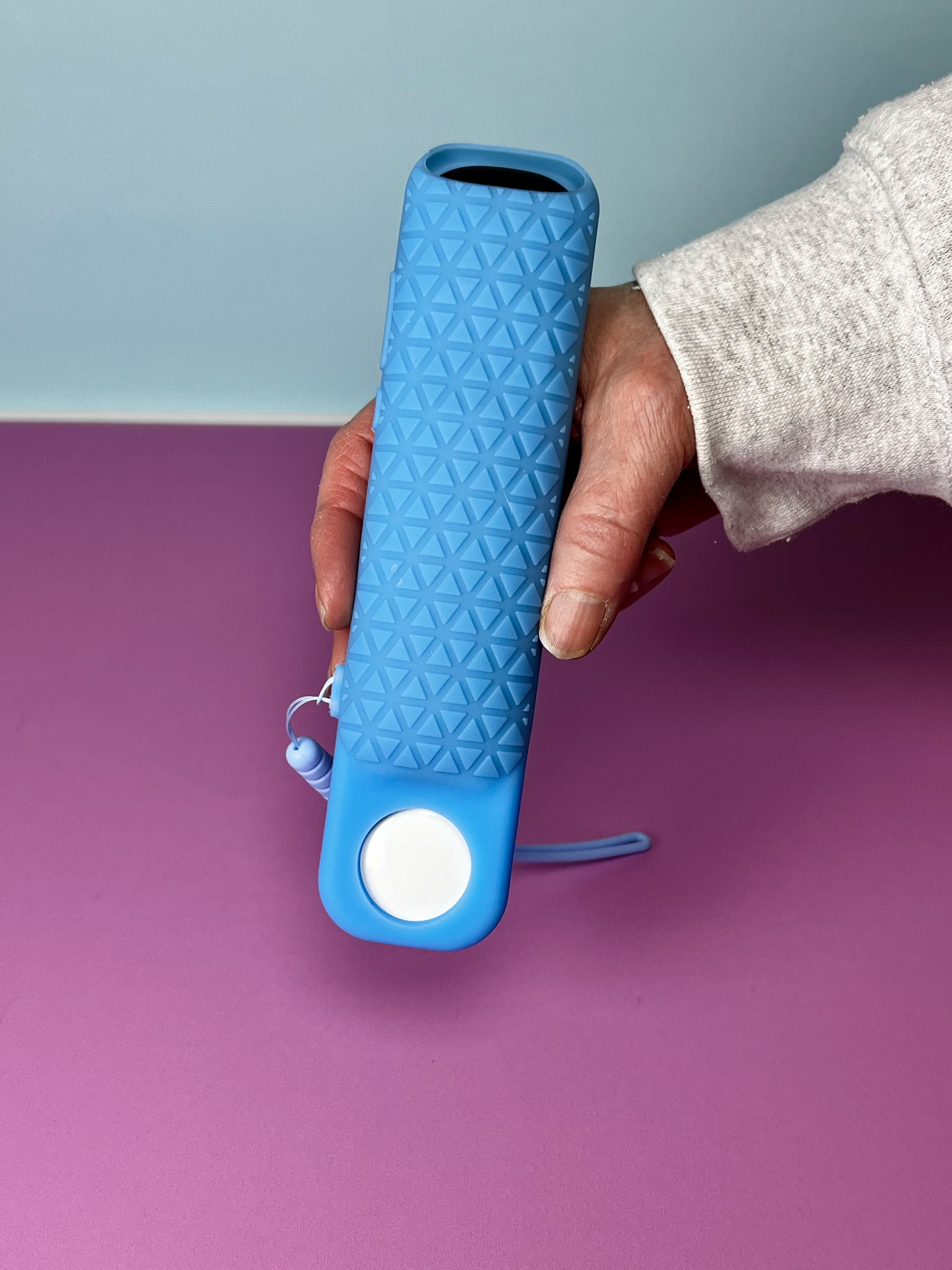
Remote Case With an AirTag Holder
If losing the remote is the biggest problem, consider a protective case with a built-in AirTag holder. Instead of searching under cushions and around the house, you can use your phone to help locate the remote. For more AirTag ideas, you can read our article on 10 Everyday Items to Put an AirTag On.
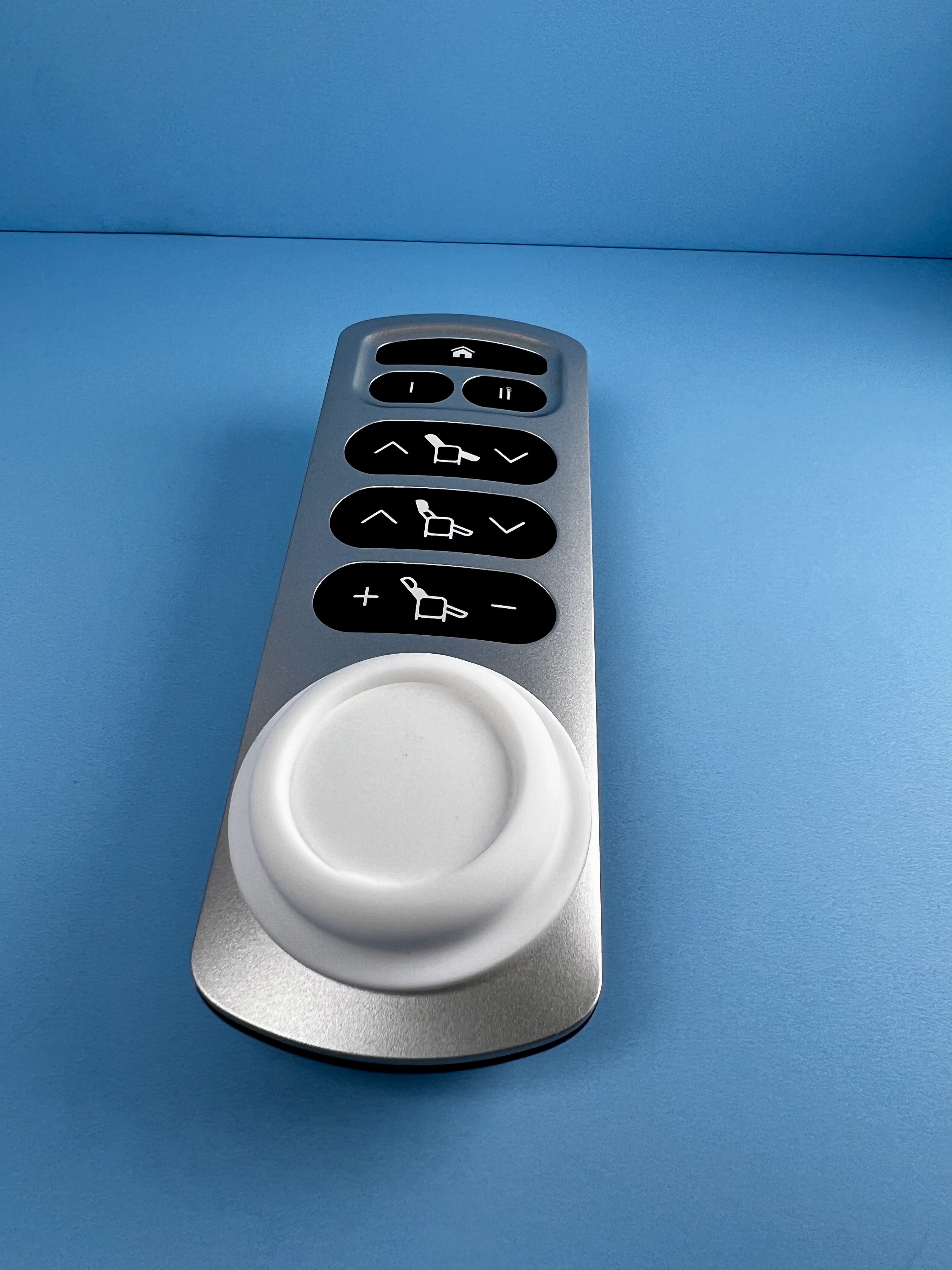
Attach an AirTag With a Silicone AirTag Holder
A silicone AirTag holder sticks easily to remotes so you can keep track of them by prompting them to make a sound or find them on your iPhone screen.
Give the Remote an Easy-to-Find Home
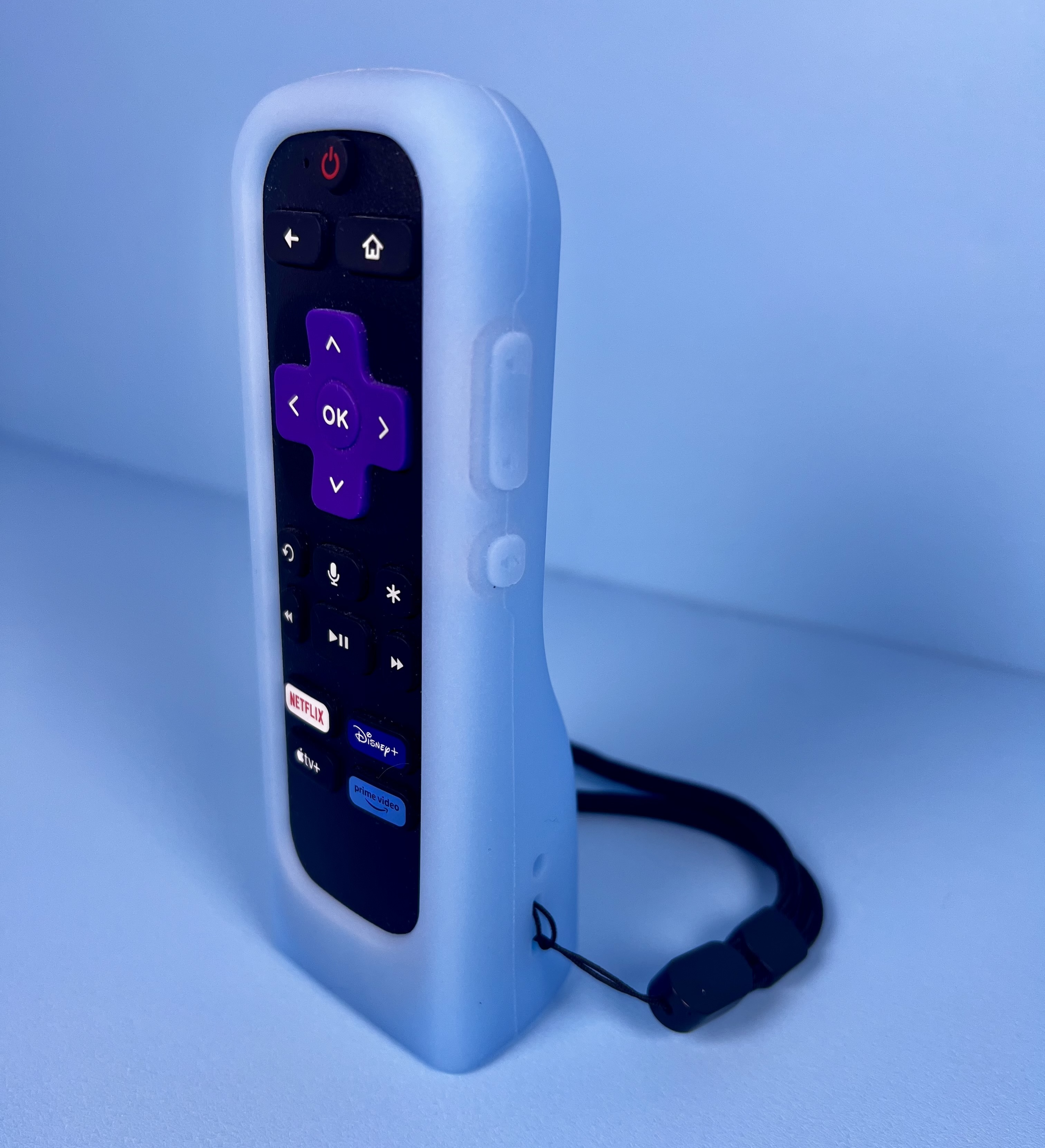
Remote Case That Stands Upright
Some silicone remote cases are designed with a wider base so the remote can stand on its own. Keeping it upright can make the remote easier to see and gives it a more obvious “home” instead of leaving it flat on a table where it can blend in with other objects.
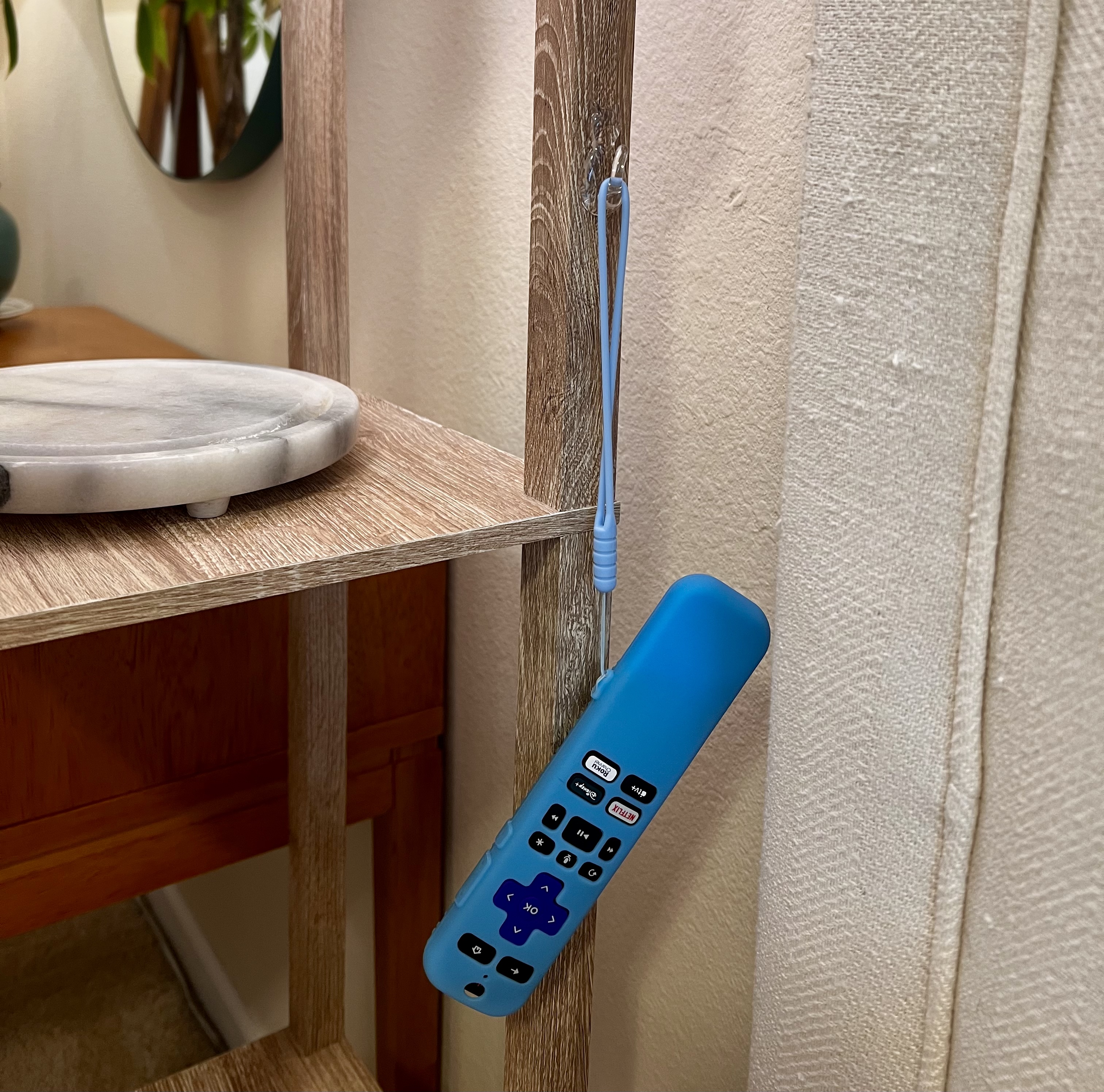
Dedicated Home With Hook
Create a predictable place for the remote by hanging it near the TV, recliner, bed, or wherever you normally watch television. A hook paired with a case that has a strap can turn the wall or side of a cabinet into an easy-to-reach remote station.
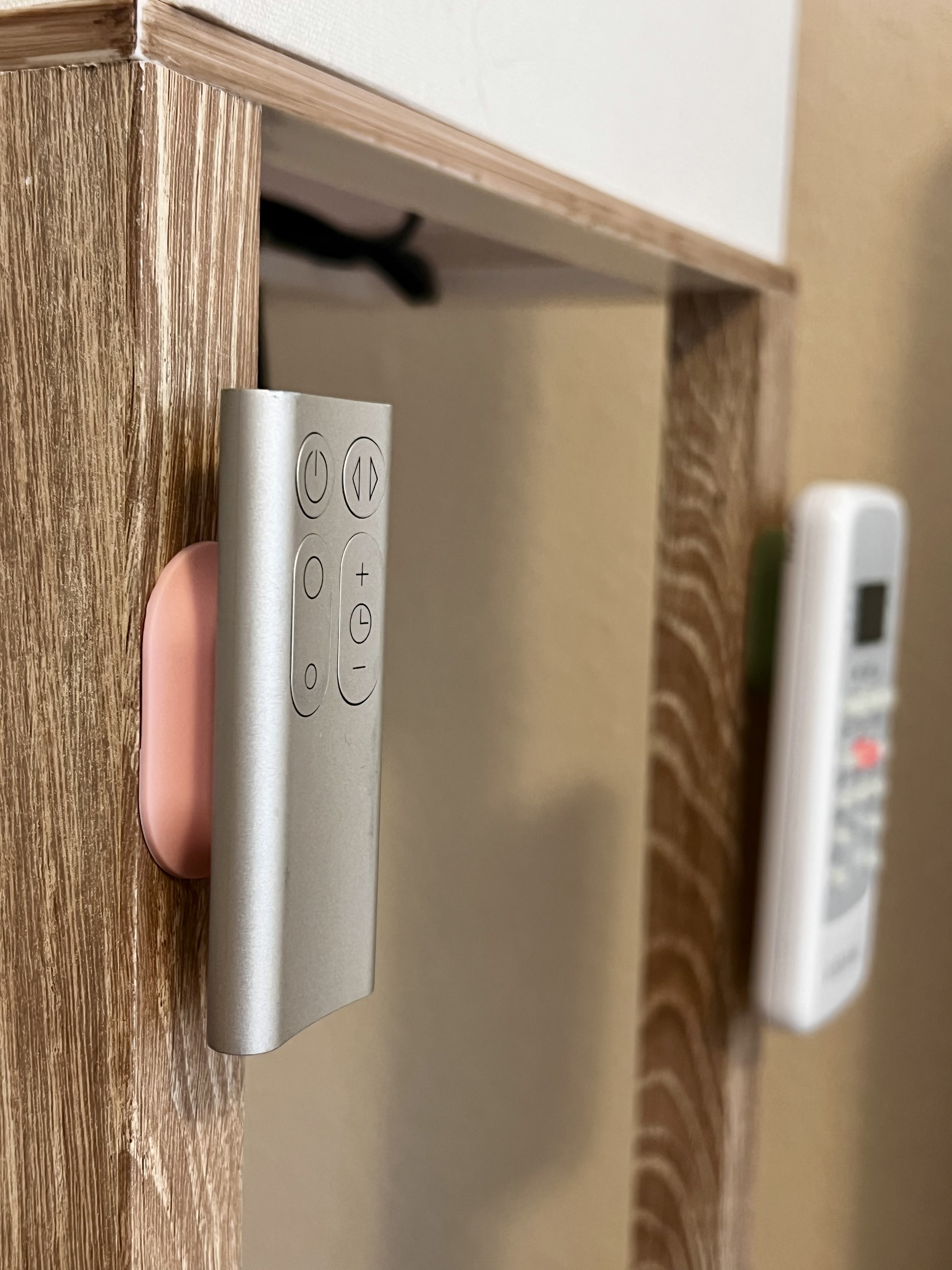
Use a Magnetic Remote Holder
A magnetic remote holder gives the remote a consistent storage location while keeping it visible and within reach. Attach the holder near your television, chair, nightstand, or entertainment center so there's one obvious place to return the remote after using it.
Make the Buttons Easier to Identify
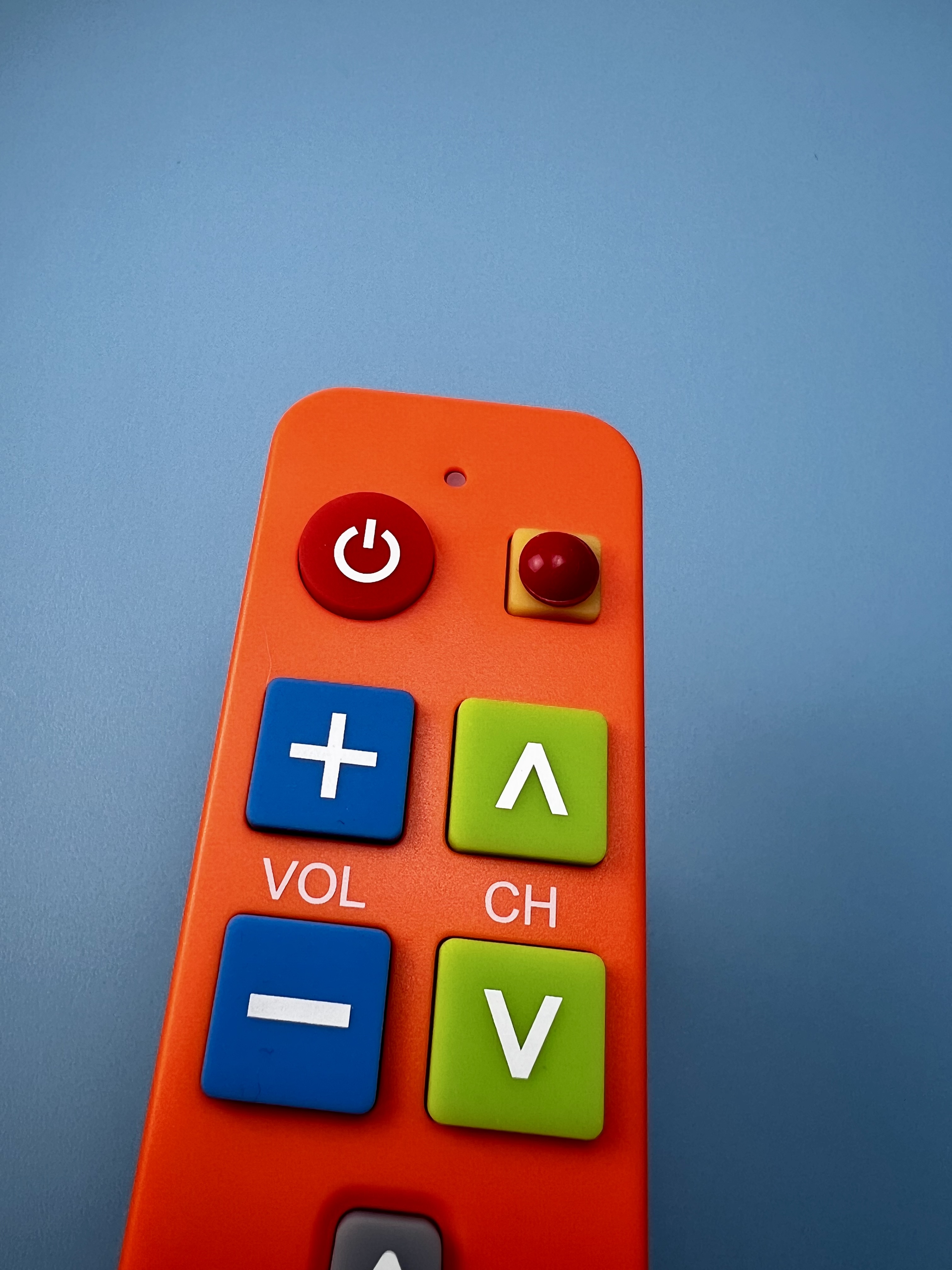
Add Tactile Bumps to Important Buttons
Small raised tactile stickers can help you identify commonly used buttons by touch. Try placing one on buttons like power. Using different shapes or textures can make key buttons easier to distinguish without having to read the labels. We have more ideas you can find in our article 5 Ways to Use Sticky Tactile Bump Dot Stickers Around the House for Low Vision.
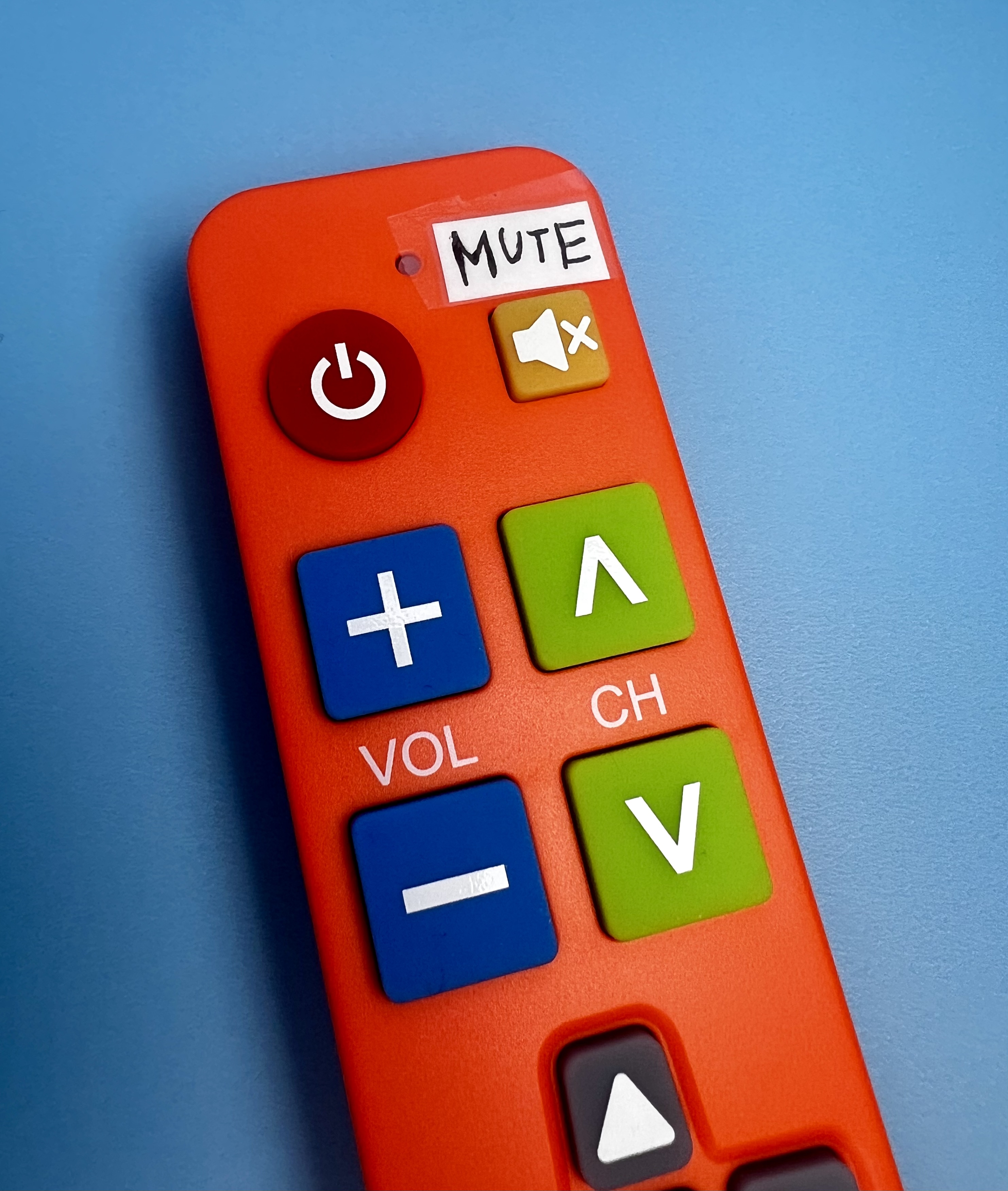
Label Important Buttons With Words
If the existing symbols or button labels are too small, use a label maker to create larger, easier-to-read words such as POWER or MUTE.
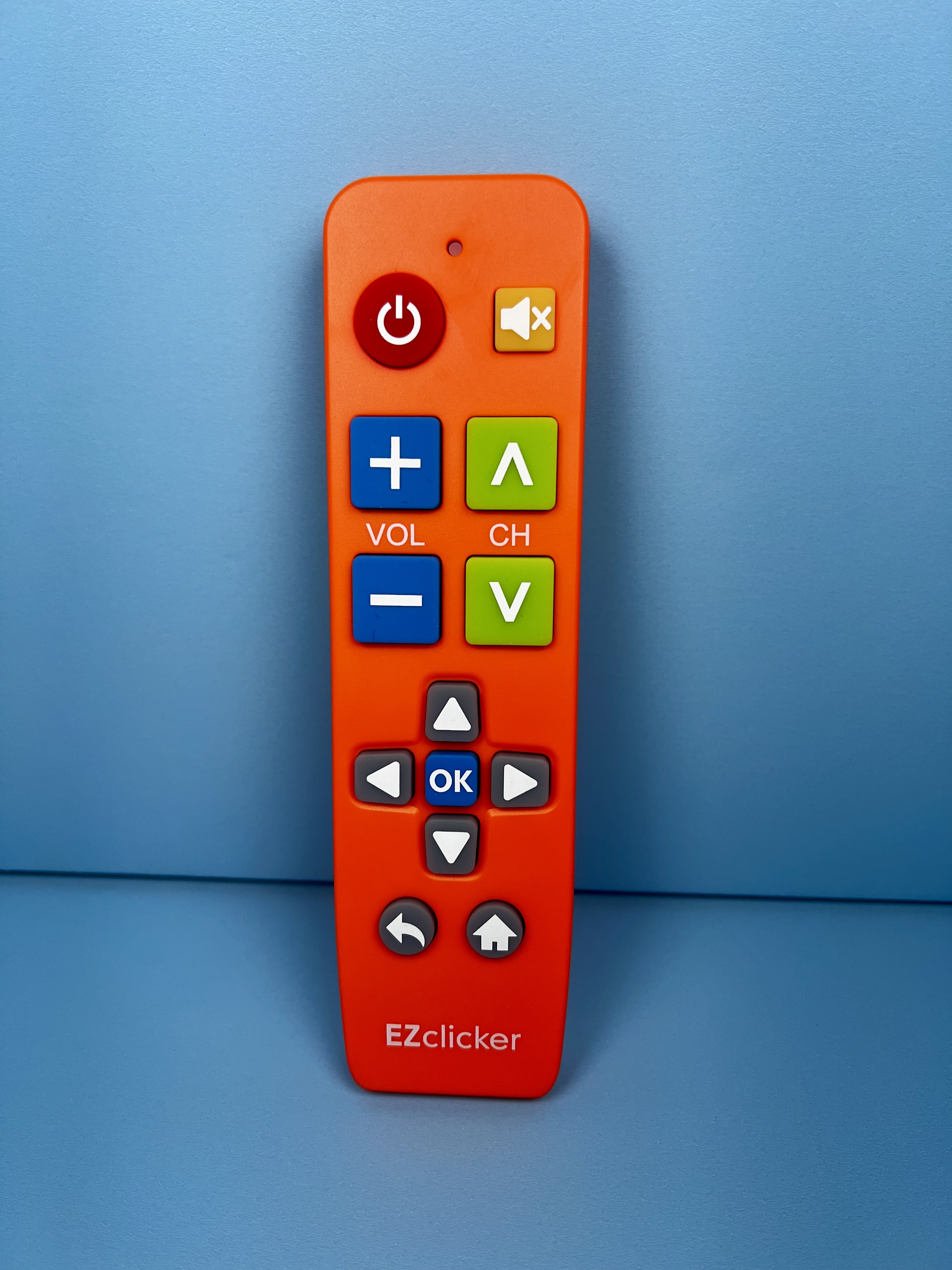
Get Remote With Fewer, Larger Buttons
A simplified remote can be a good option. A remote with fewer controls and larger, clearly separated buttons can make it easier. This remote has different versions each compatible with different TV brands, and requires minimal (and sometimes no!) set up.
Strategies for Often-Misplaced Remotes
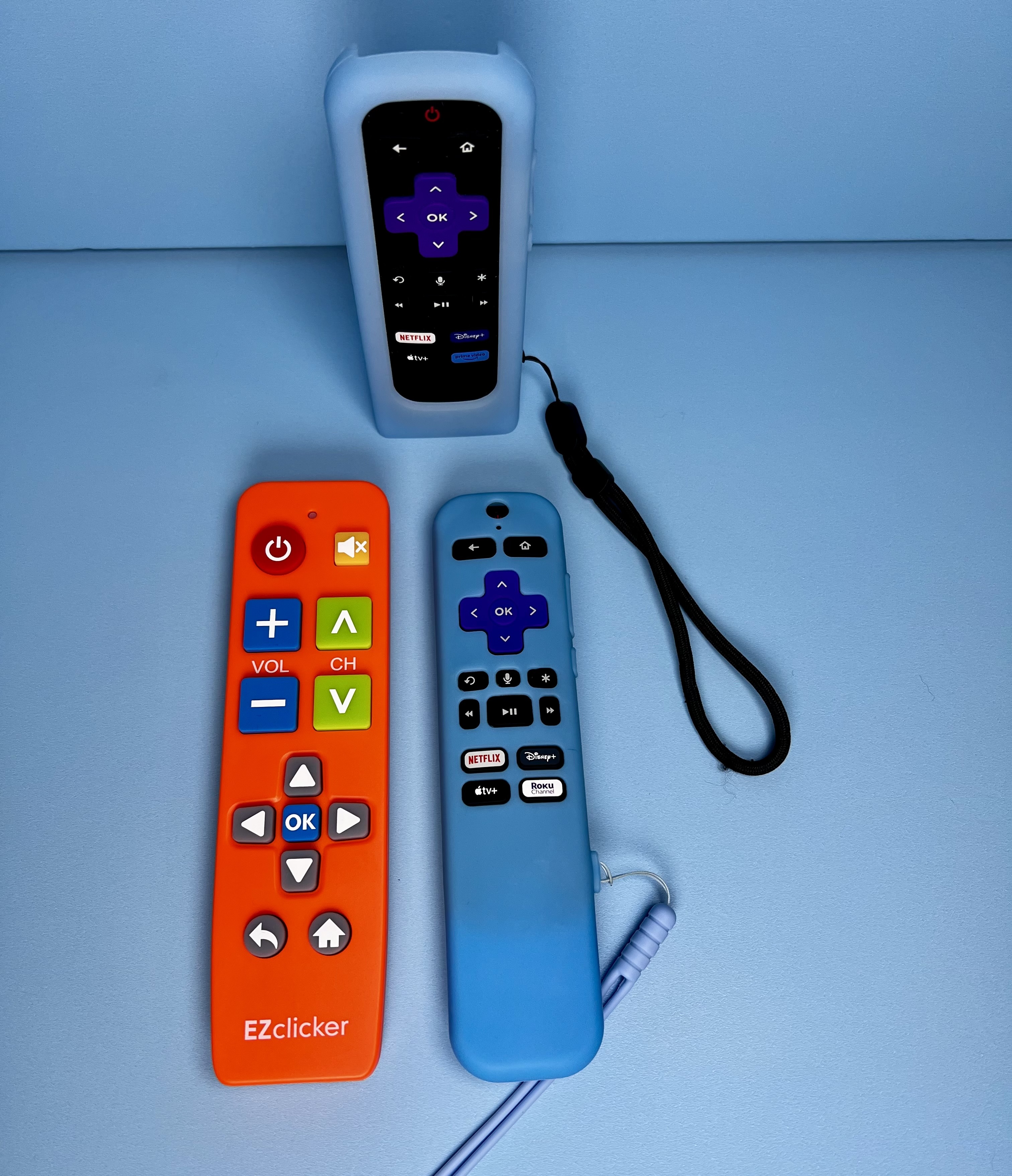
Have a Back-Up Remote
Though it sounds funny, some people buy multiple remotes for an aging parent if they are frequently misplaced. This way, if there's a challeng finding it, you're never left without one. It can be nice to have a plan B!
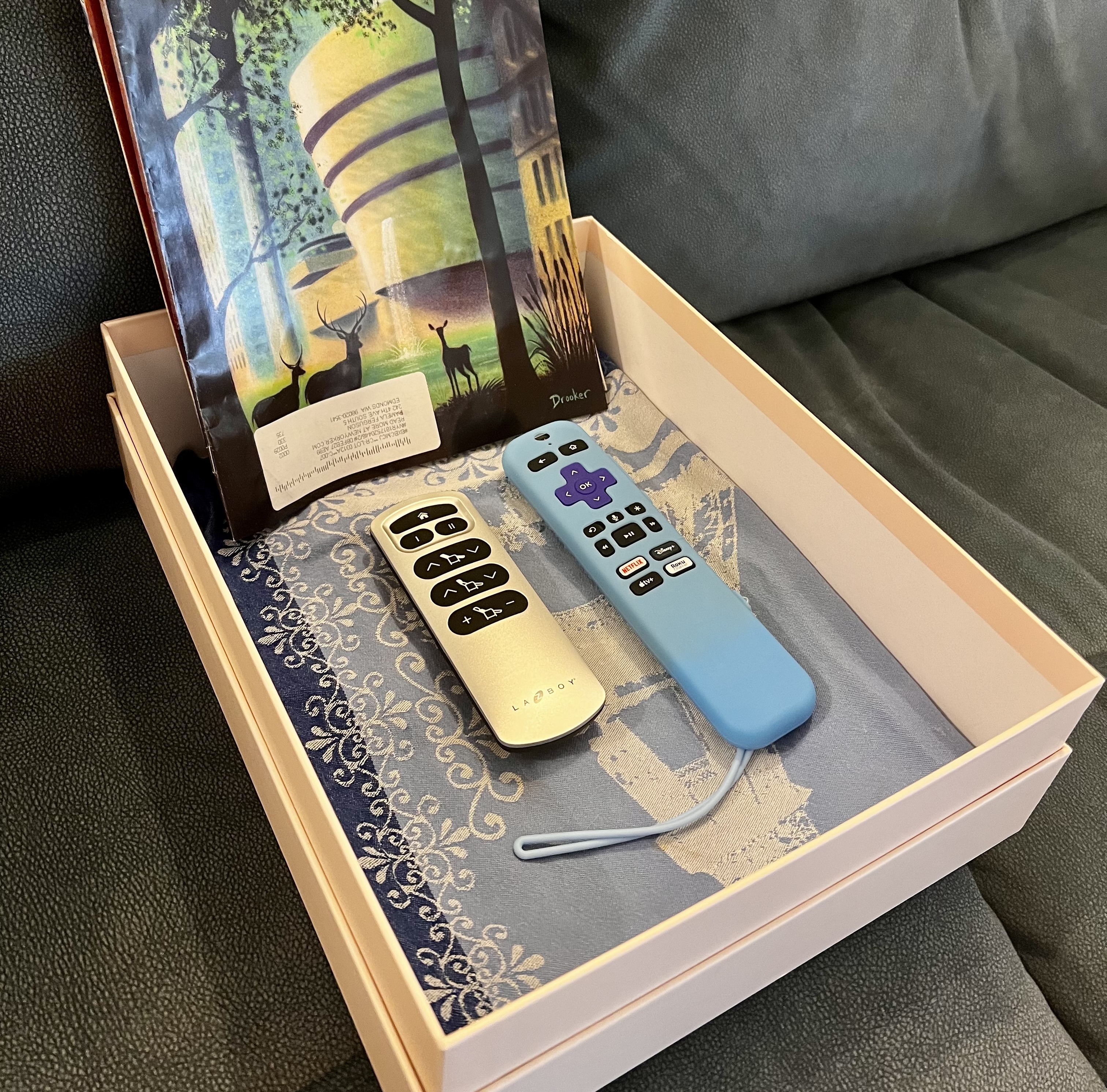
Keep Essentials in One Box
Instead of buying another organizer, repurpose a small basket, tray, or box you already own as a dedicated remote station. Keep the remote (and anything you regularly use with it) in the same place every time. You can read more of our ideas like this in our article 10 Living Room Essentials for Seniors.