
As an Amazon Associate we earn from qualifying purchases at no additional cost to you.
10 Helpful Products for Living at Home with Low Vision
Struggling to see small controls, read labels, or keep track of everyday items at home? These practical products present easier ways to control devices, charge a phone, and find misplaced belongings to make daily routines simpler with low vision.
Non-Tech Ideas
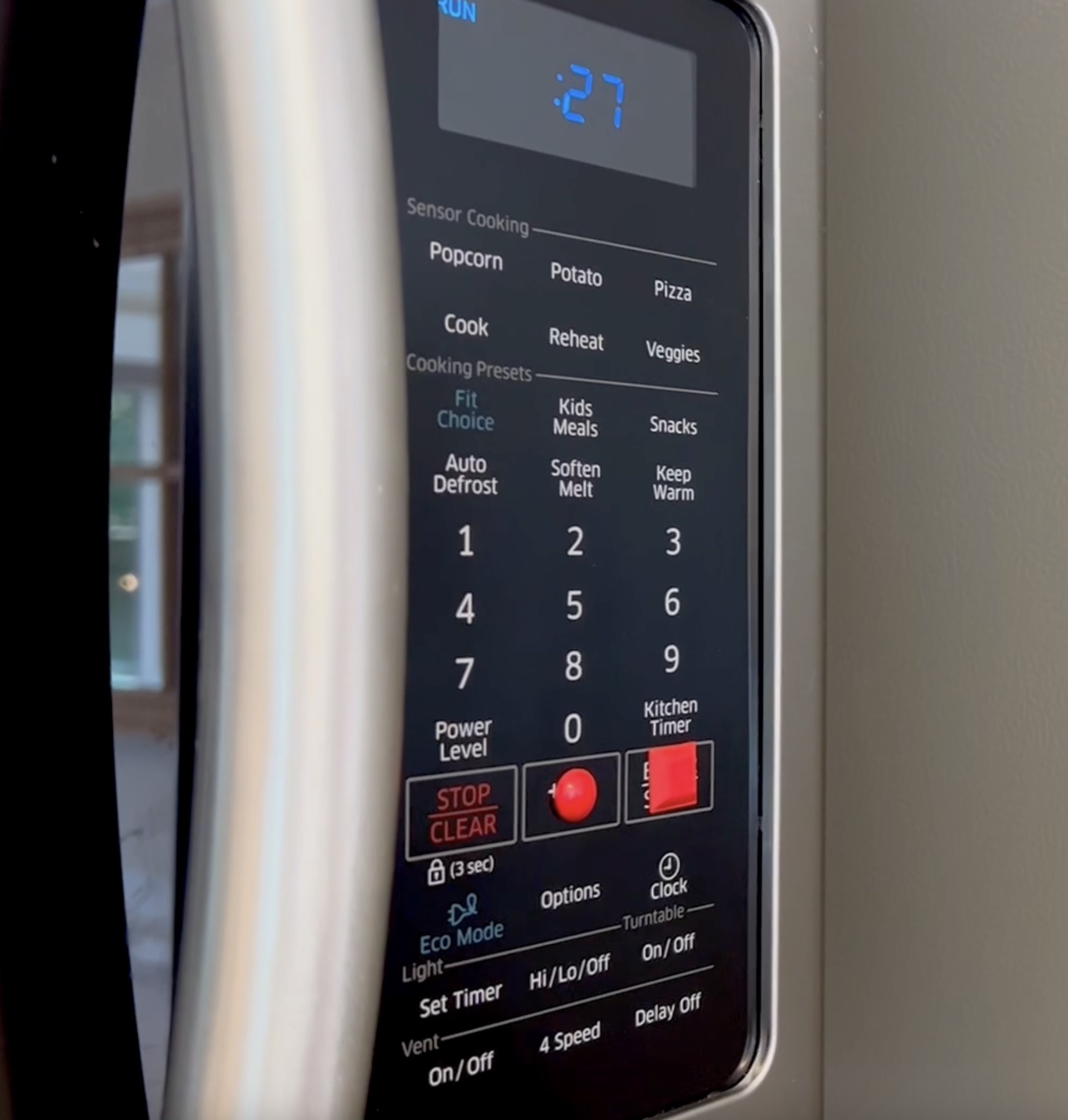
Sticky Tactile Bump Dots
Raised dots make important buttons easier to see and identify by touch. Place them on remotes, appliances, and other flat controls to make frequently used buttons quicker to find.
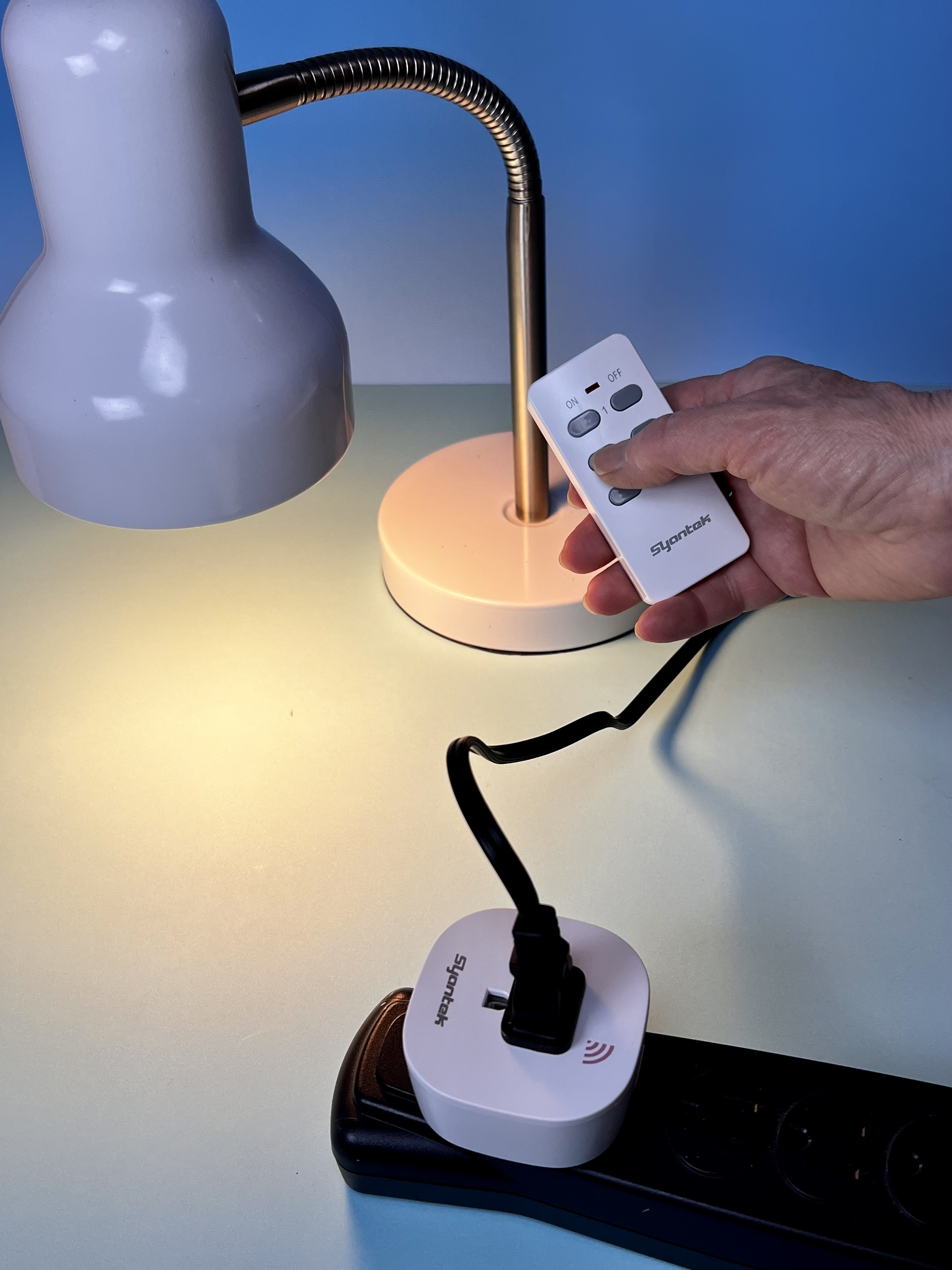
Remote Control Lights and Appliances
Low vision can make it challenging to find small switches or navigate a dark room. Remote controls let you turn lights and appliances on from one easy-to-reach place. Tip: Add sticky tactile bump dots to make it so you can easily feel the buttons. For example, use different shaped stickers to mark "on" and "off" so you can feel the difference!
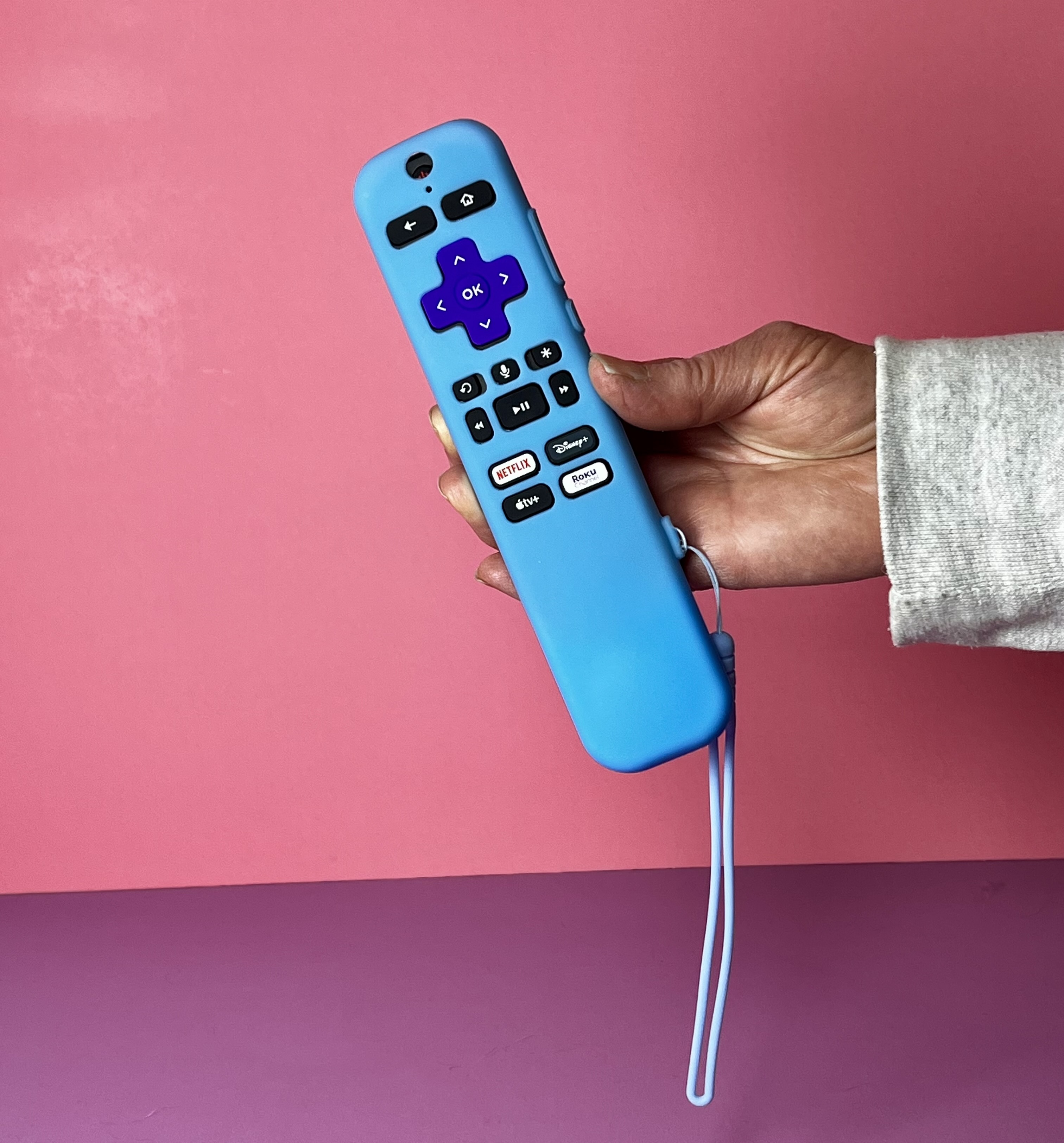
High Visibility Remote Case
Low vision can make it challenging to spot a remote or see its buttons. A bright, high-contrast case makes it easier to find and use, while an AirTag helps locate it if it gets misplaced. For more ideas, read our article 11 Easy Ways to Make a TV Remote Easier for Older Adults to See, Find, and Use.
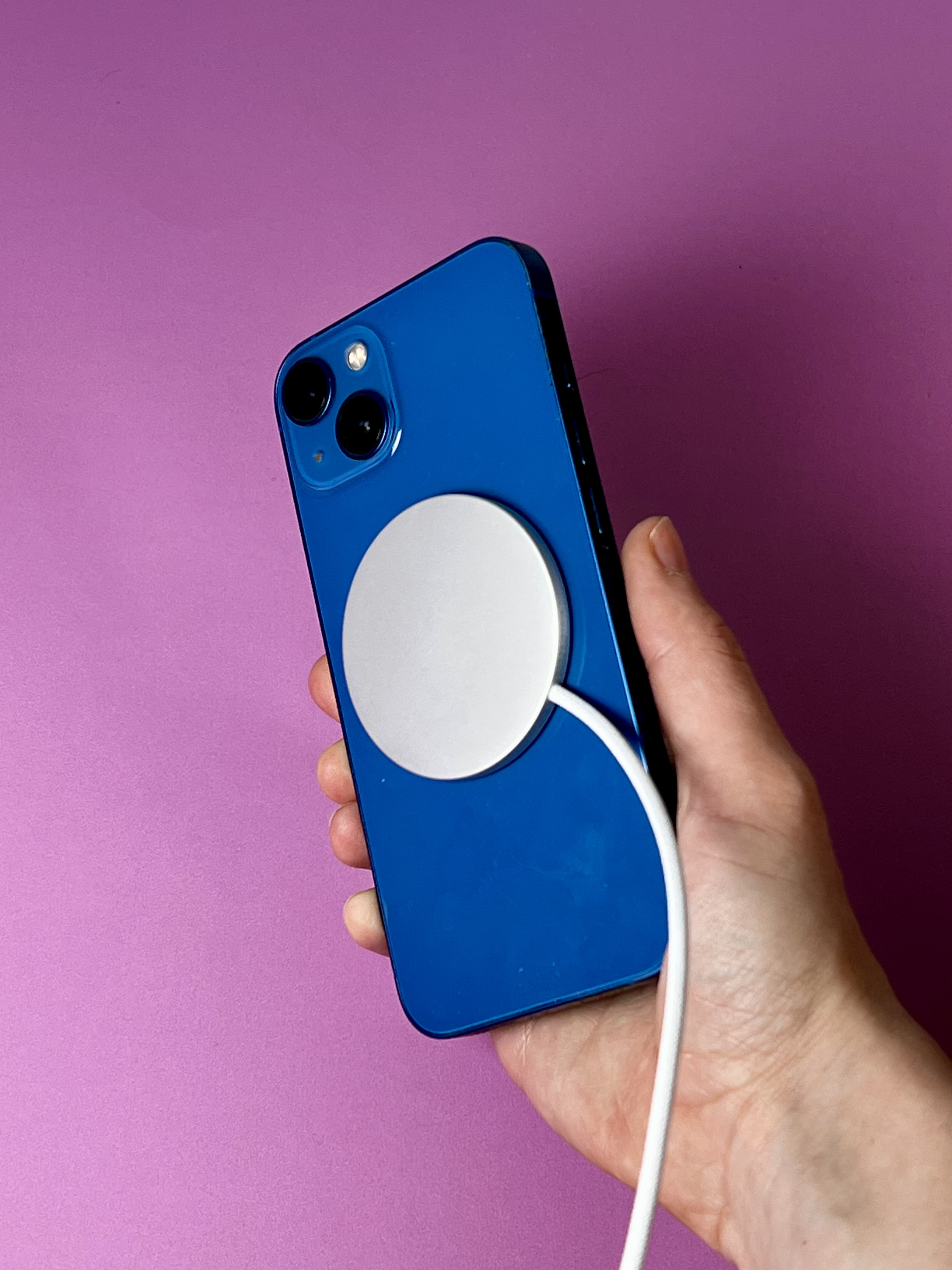
Magnetic Charging
Low vision can make it challenging to line up a charging cable with a small port. Magnetic charging snaps into place, making it easier to connect and start charging.

Motion-Sensor Night Lights
These lights turn on automatically the second you step near, casting a quick glow on stairs and obstacles so you can move around safely at night. Best of all, they're super easy to set up anywhere: just stick them up with the included magnetic adhesive pads or mount them with screws under beds, along stairwells, or wherever you need that extra bit of confidence.

Illuminated Magnifier
Low vision can make it challenging to read medication bottles, food packaging, appliance controls, and other small print. An illuminated magnifier enlarges the text while adding extra light for improved visibility.
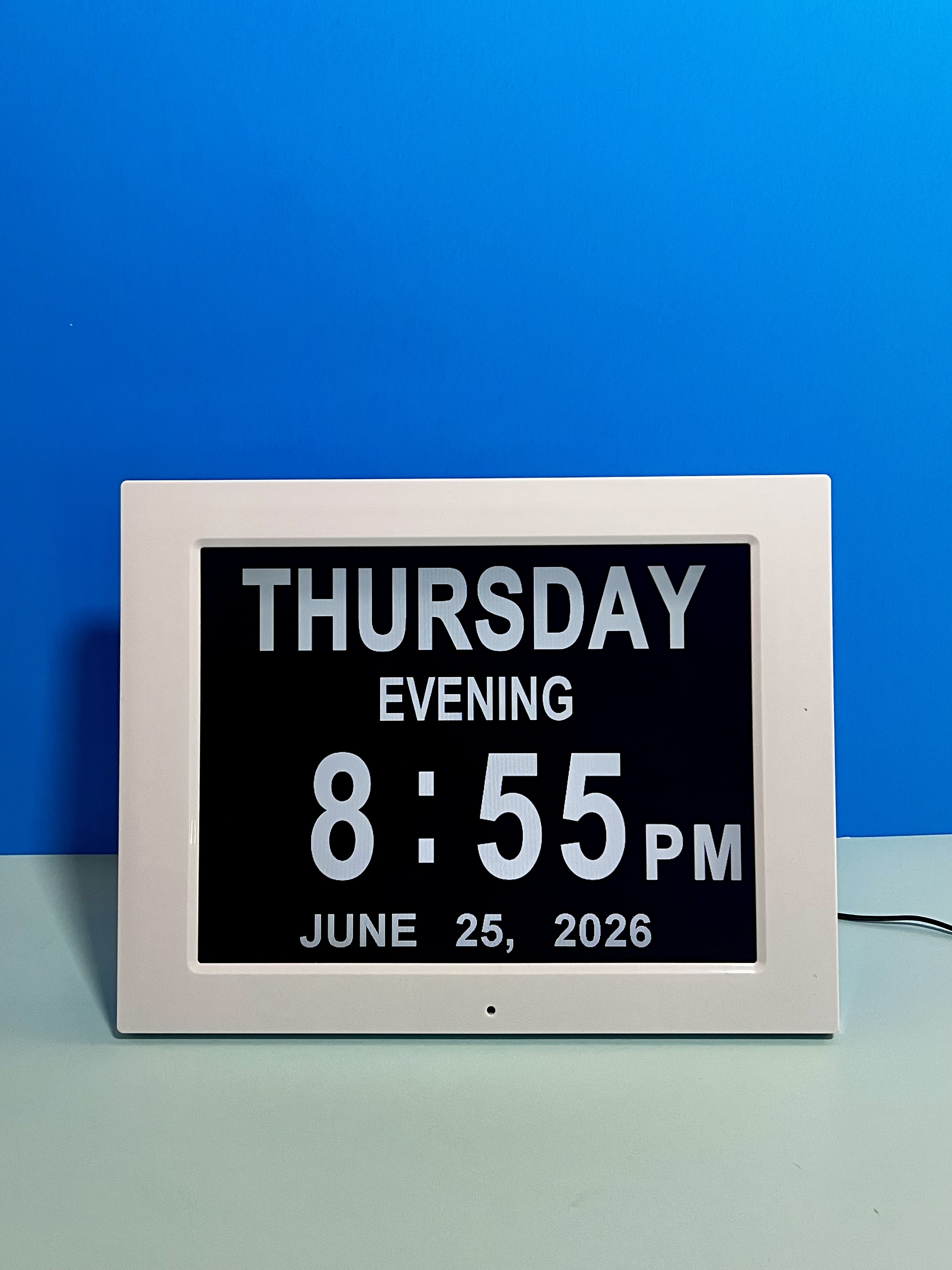
Large-Print Date and Time Clock
Low vision can make it challenging to read a standard clock. A large, high-contrast display makes the time, day, and date easier to see at a glance. Read more about this clock in 5 Ways a Day and Time Clock Can Be Useful for Seniors.
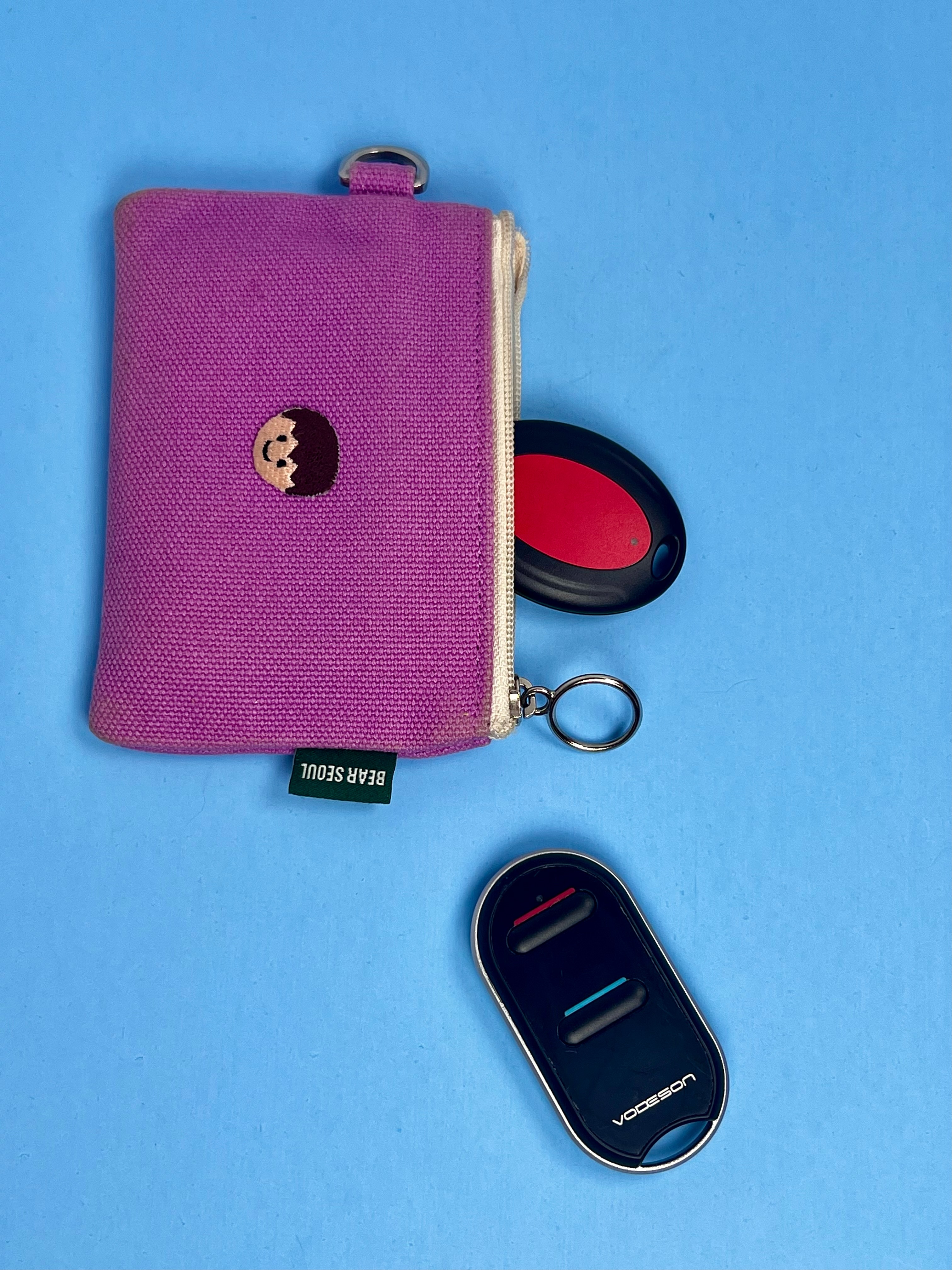
Smart-Phone Free Remote Control Finder
A remote connects to a small beeping receiver (comes with one red and one blue reciever) that can be attached by a keychain holder or stickers to keys, remotes, glasses cases, or bags. This is useful for someone who does not use a smartphone or finds apps difficult. It could not be more simple: battery operated (no charging), and beeps when clicked.
Tech Solutions

AirTag Tracker (Apple devices)
Low vision can make it challenging to spot misplaced items. An AirTag tracker lets you use Siri to ring the item by voice, making keys, remotes, or other essentials easier to find. For example, “Hey Siri, find my keys," or "Hey Siri, find my remote" and it will trigger a sound so you can hear where your items are. Learn more strategies for keeping track of items in our article Keep Losing Important Items? Try These 10 Solutions.

AirTag Keychain Holder (Apple devices)
A keychain holder securely attaches an AirTag to keys, bags, or other important items.
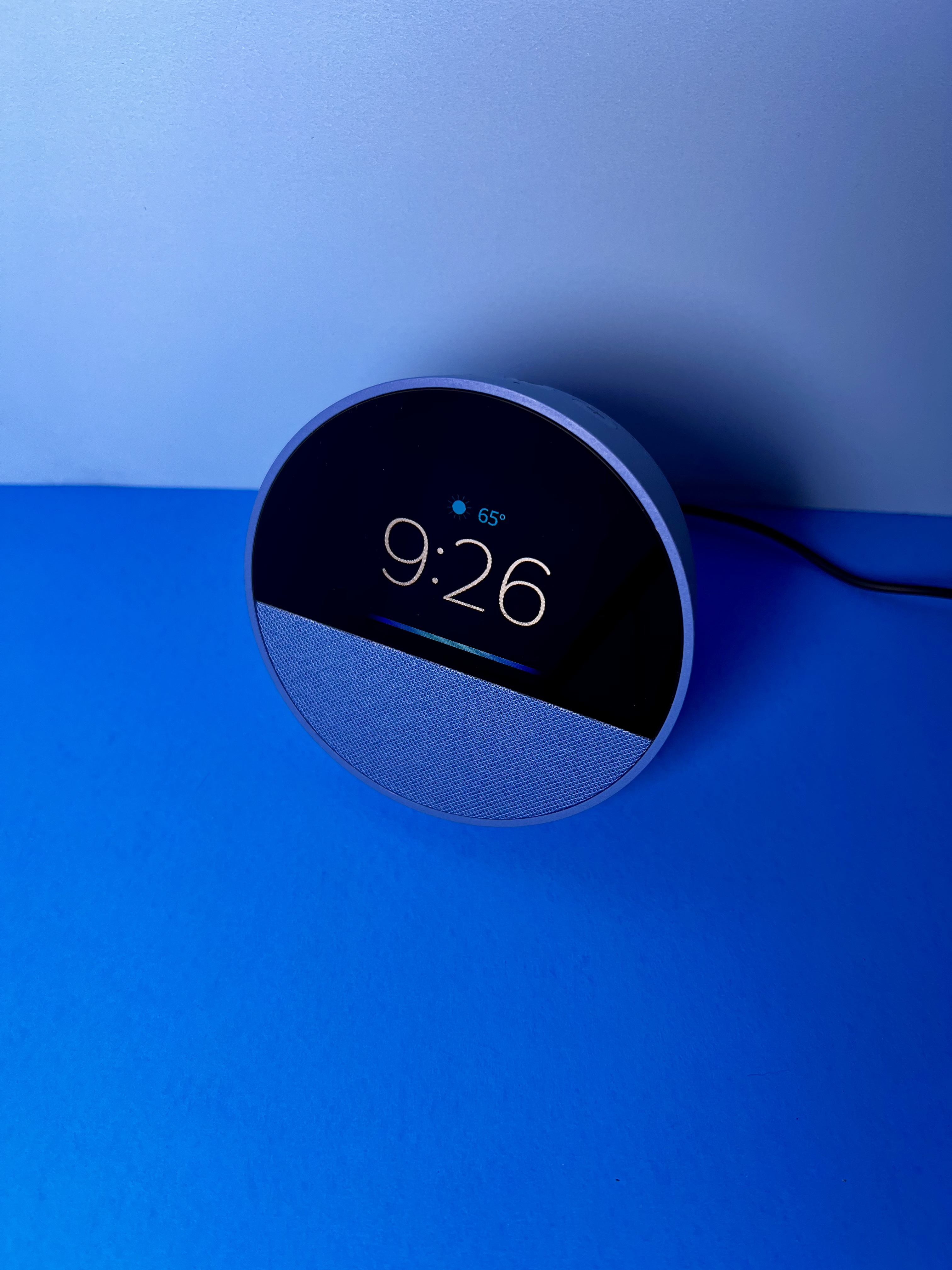
Voice Assistant
Low vision can make it challenging to use small screens or controls. A voice assistant lets you set reminders, ask questions, make calls, and control connected devices using simple spoken commands. Even questions like "Alexa, what time is it?" is an excellent way to hear the time in the day or night. Read more in our article 10 Ways for Older Adults to Use Alexa.
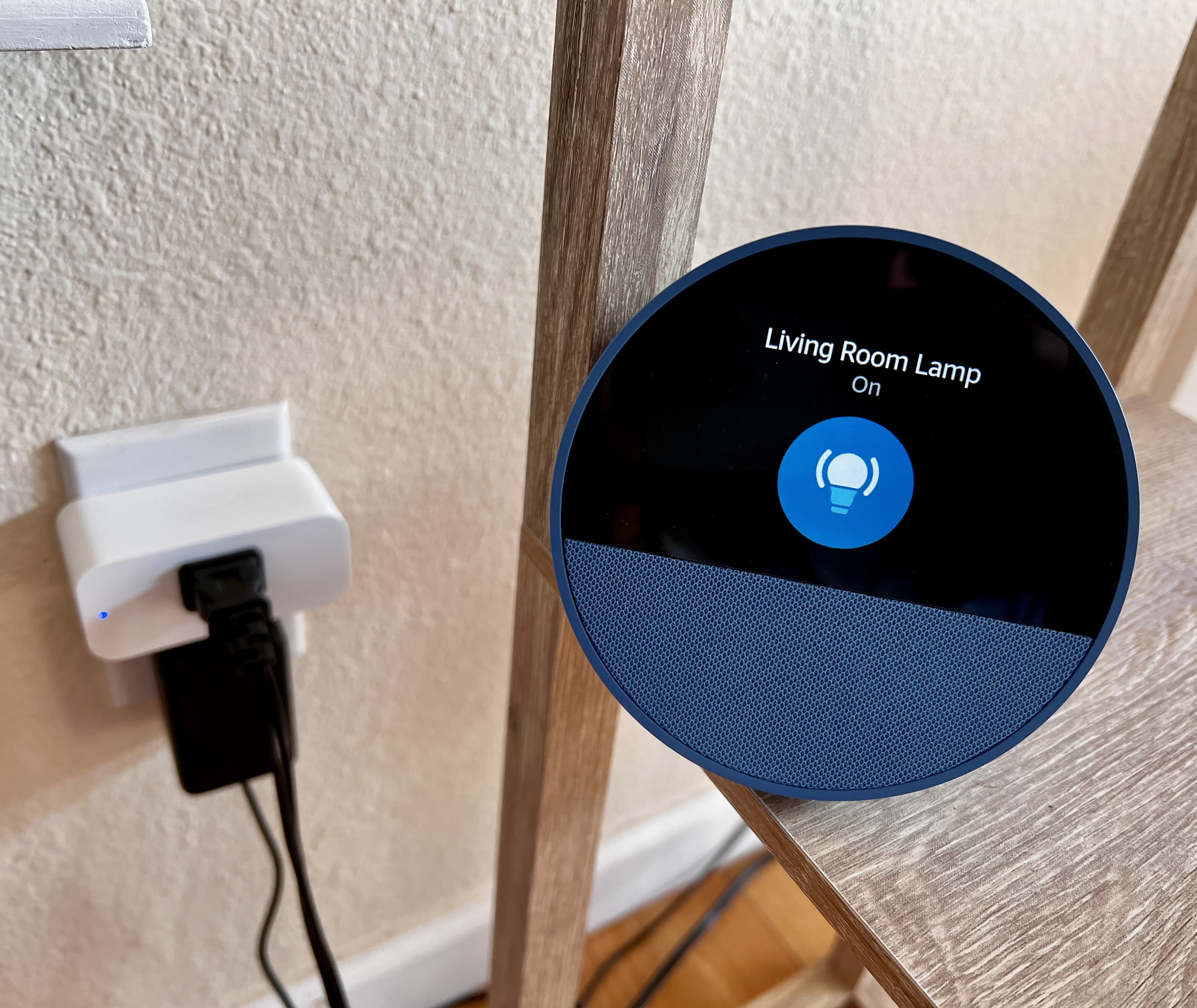
Voice-Controlled Lights and Appliances
Low vision can make it challenging to find small switches or see appliance controls. A smart plug lets you control connected lamps, fans, and other devices using your voice or the Alexa app on your phone.

Tips and Tricks
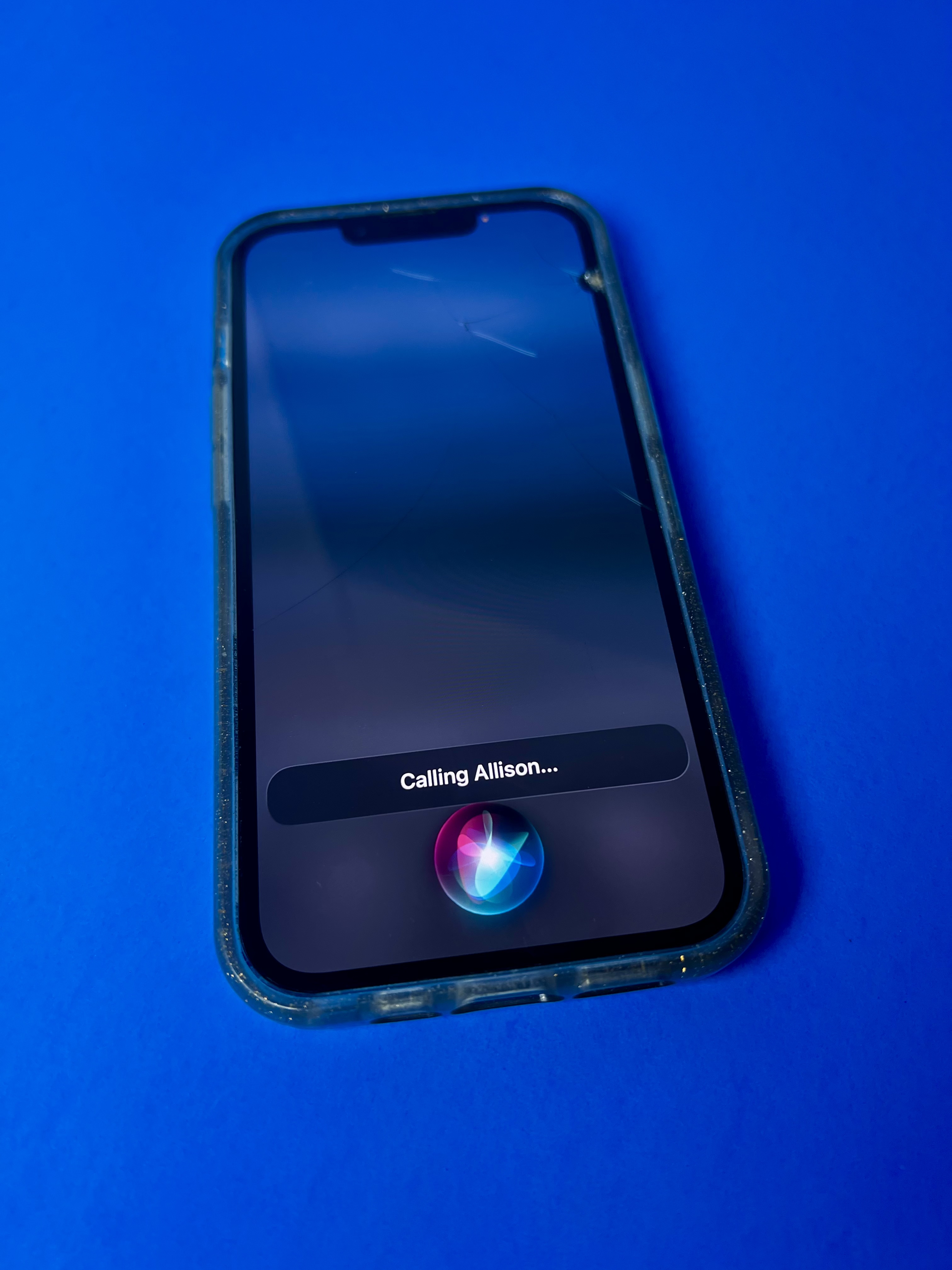
Speak to Your Phone's Voice Assistant
Low vision can make it challenging to read a phone screen or find small controls. Your phone’s voice assistant lets you make calls, send messages, set reminders, and ask questions using spoken commands.