
As an Amazon Associate we earn from qualifying purchases at no additional cost to you.
10 Ways to Easily Contact Another Person in the House
As caregivers, a common challenge is creating a system to call for or alert someone else in the house. If you are on different floors or even in different rooms, calling or texting can be slow and challenging. If someone's voice is weak, yelling or calling for help can also be strenuous. These are simple, low-tech ideas we use ourselves. We think the best idea is the caregiver call button, which is a simple click of a button and immediately chimes the caregiver. Having multiple options is always a good idea in case one of the alert systems fails, including no-tech options like a whistle or air horn in case of emergency.
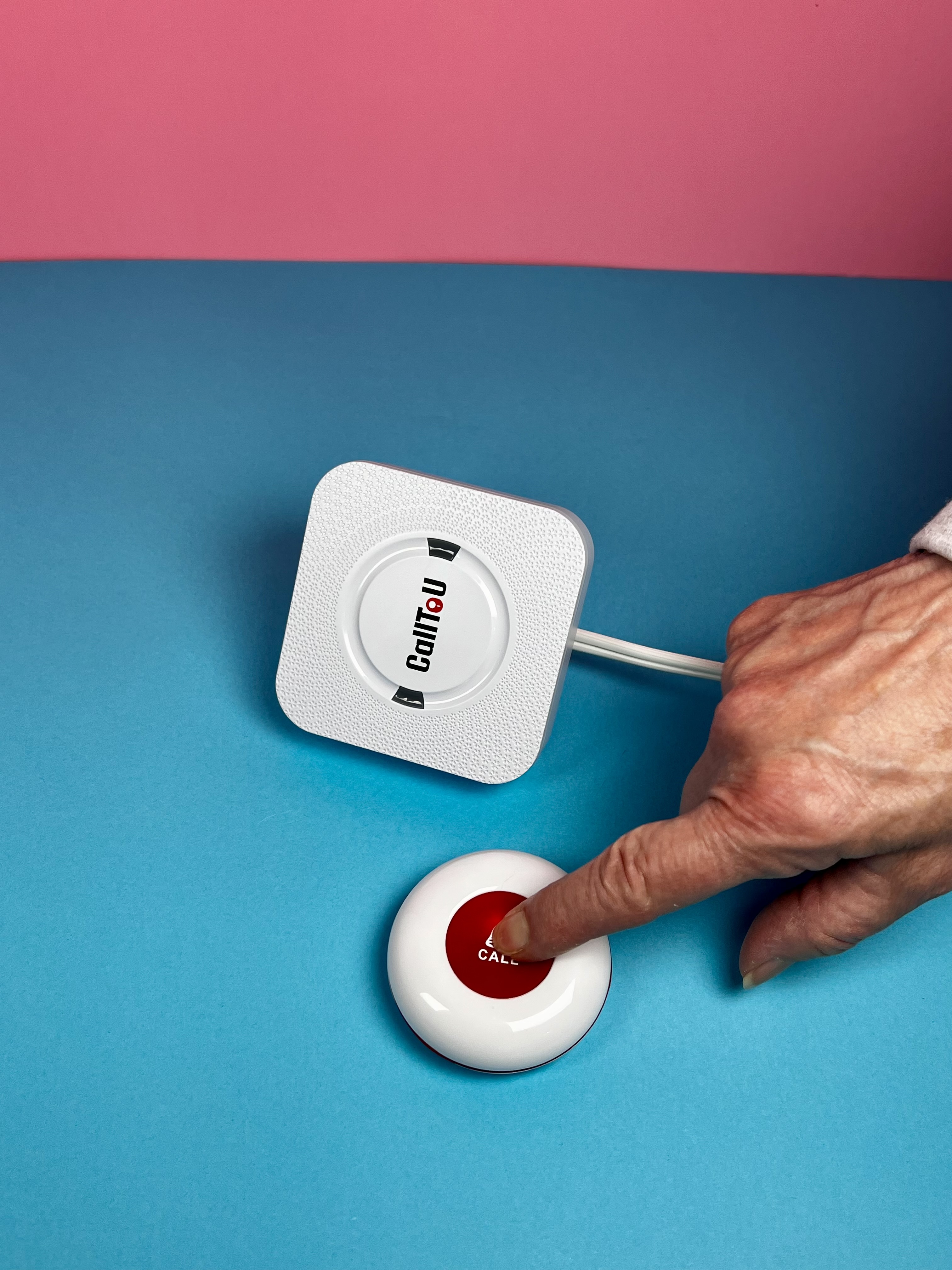
Simple Caregiver Call Button
- Wireless range of 500+ feet in open areas, letting caregivers move around the house and still recieve the alert
- Receivers feature multiple volume levels
- The call transmitters are waterproof, so the button can be placed in the shower or bathroom
- The system allows you to pair multiple receivers and transmitters together if you want to cover multiple rooms or add extra buttons.
- Call buttons can be worn as a lanyard or mounted to the wall with adhesive. For more placement ideas, read our article: 5 Places to put a Caregiver Call Button.
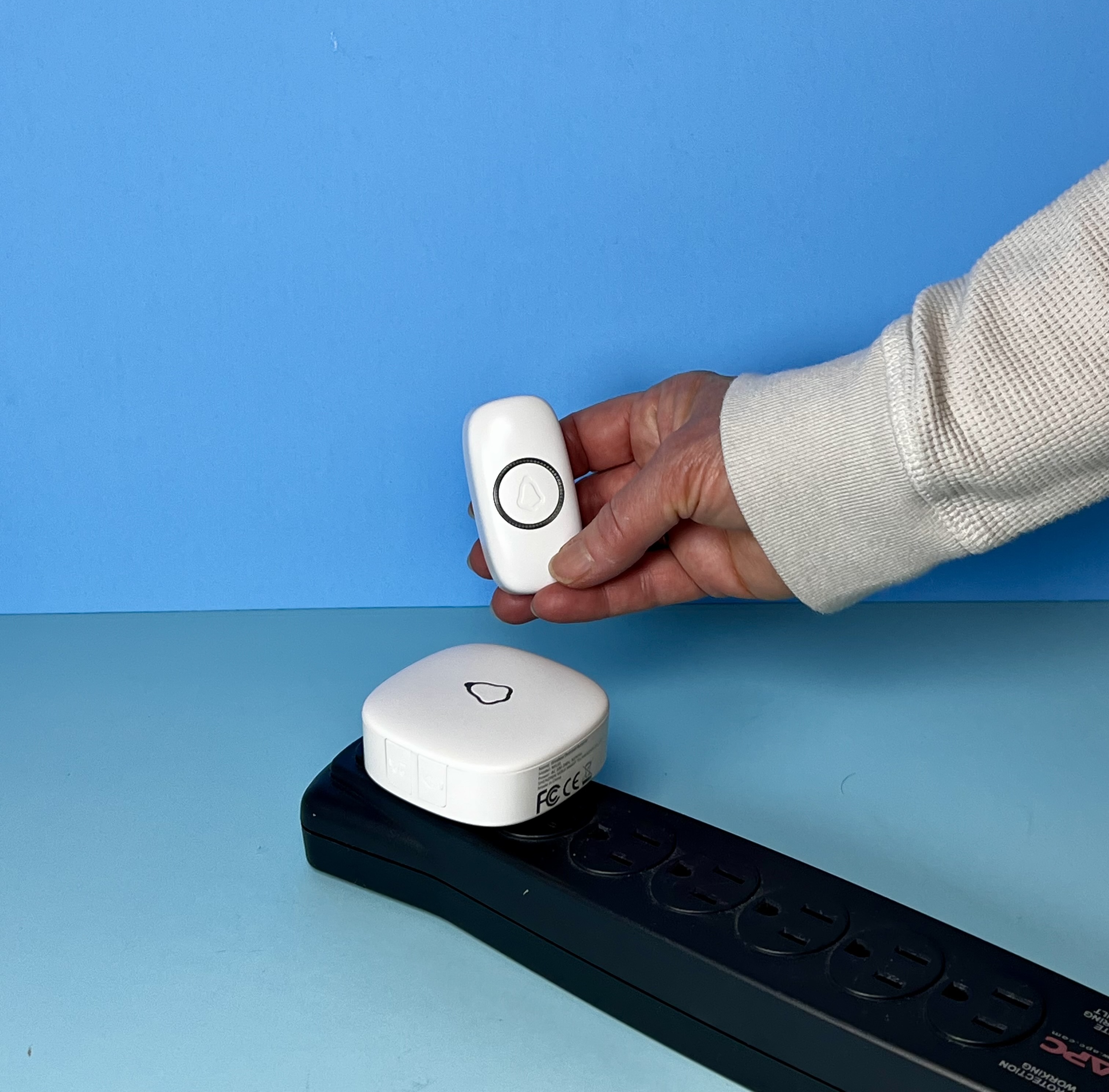
Wireless Doorbell
- Features a wireless range of up to 1,000 feet in open space, allowing signals to pass through walls and across multiple rooms or floors
- Offers over 50 different melodies and adjustable volume settings up to 110dB so alerts can be distinguished from other notification sounds in the house
- The receiver plugs directly into any standard wall outlet while the lightweight transmitter button can be easily mounted using adhesive tape or screws.
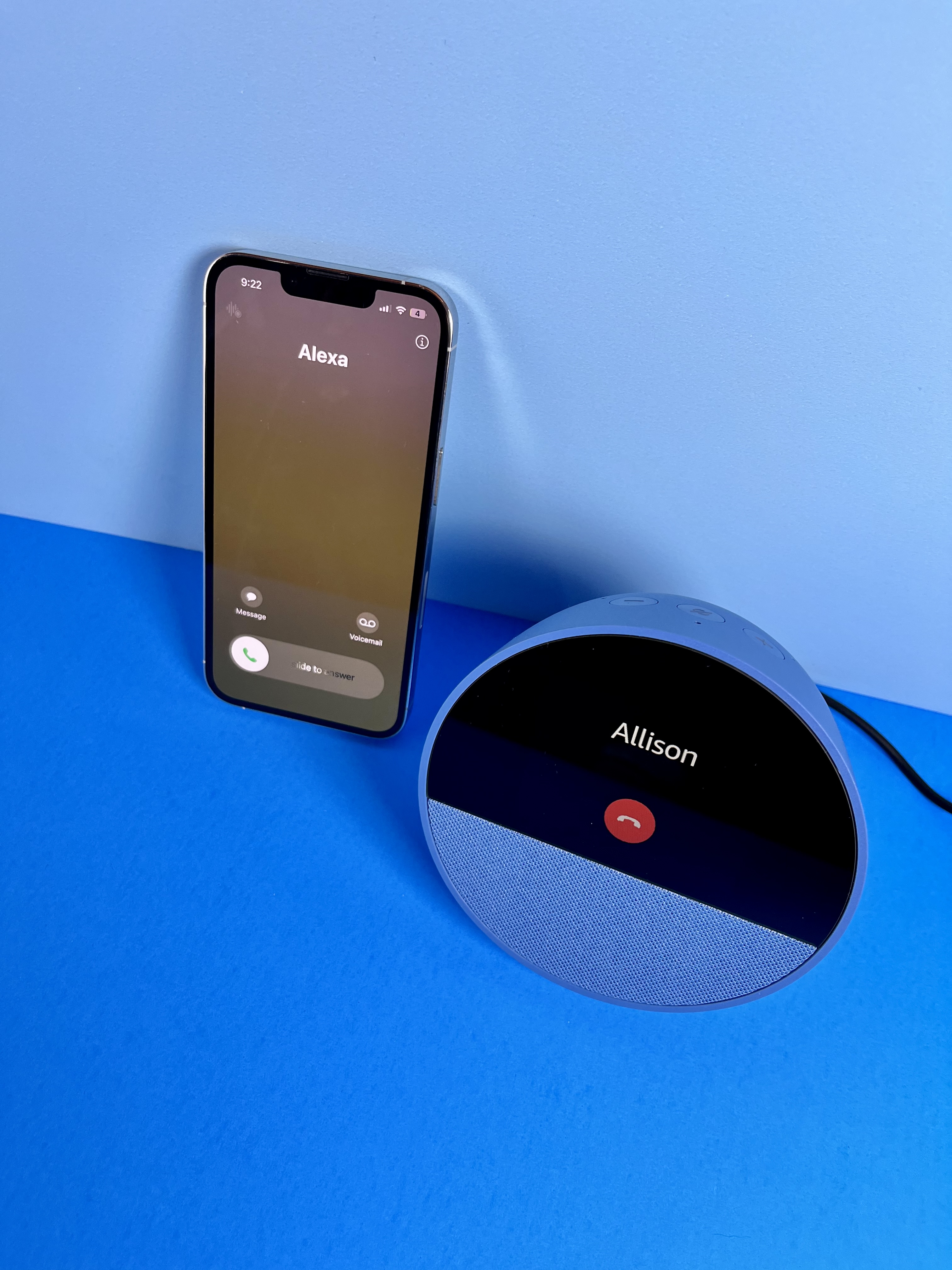
Use Voice Assistant to Call
- A voice assistant can make a call without requiring you to reach for or operate your phone.
- You can simply say "Alexa, call [contact name]" and it will allow you to talk to someone on your Alexa device.
- The set-up is incredibly simple, and can be found in this article from Amazon: Set Up Calling and Messaging
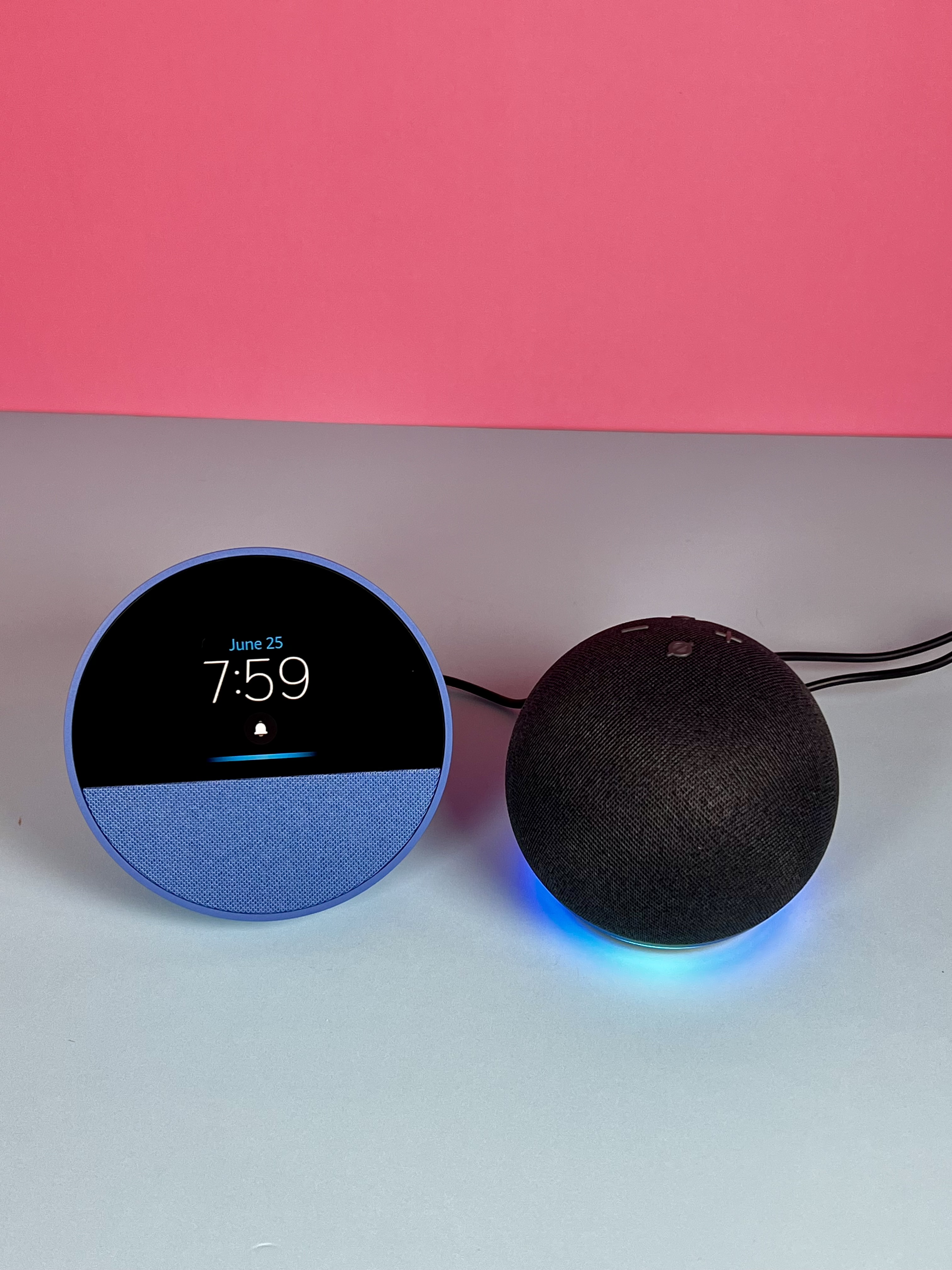
Use Intercom Feature between Voice Assistants
- Use voice commands like "Alexa, drop in on the [room name]" to instantly open a live two-way audio or video line between smart speakers in different parts of the house.
- This is also easy to set up, which can be found in this article from Amazon: How to use Echo devices like an intercom
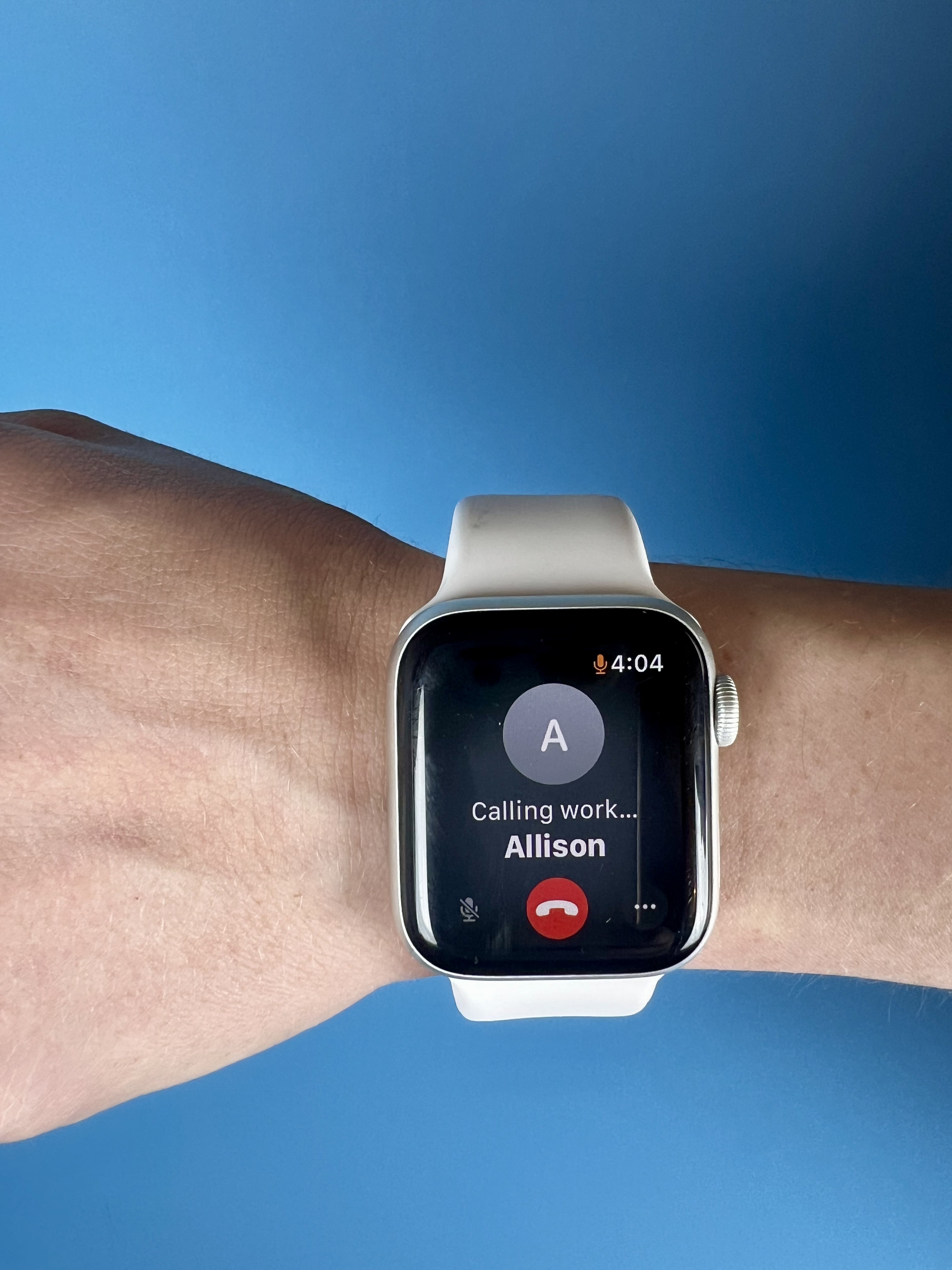
Call or Text Using Apple Watch
- Instantly call or text from your wrist by voice
- This is especially useful if your phone is out of reach as a back-up
- Learn how to set up calling in this article from Apple: Make calls on Apple Watch
- A useful feature is also the Emergency SOS feature (to contact local emergency services and alert them of your location on Apple Watch). Check out this article from Apple to learn more: Emergency SOS on your Apple Watch

Emergency Whistle
- A whistle is a simple, no-tech backup for getting the attention of someone elsewhere in the home.
- Keep it attached to the bedframe or nightstand so it is easy to find and reach.
- This whistle can reach up to 120 decibels - this makes it effective! But, note that it is so loud that it can hurt your ears! So this is best used with ear muffs or ear plugs, or in the case of a real emergency.

Use AirTag as a Communciation System
- Place an AirTag in the caregiver's room, in their pocket, on their keychain, or on a lanyard they wear around the house.
- Open the Find My app on your iPhone, iPad, or Apple Watch, select the AirTag, and tap Play Sound.
- You can use voice controls by asking Siri: "Hey Siri, play sound on my caregiver's AirTag."

Emergency AirHorn
- Keep a compact handheld air horn on a nightstand, bedframe, or end table for an unmistakable, instant alert.
- Pressing the top push-button produces a loud, high-decibel blast that cuts through closed doors, heavy insulation, and noise-canceling headphones anywhere in the home - requiring zero Wi-Fi, cellular service, or battery charging.
- Like the whistle, this is good as a back-up in-case-of-emergency option.
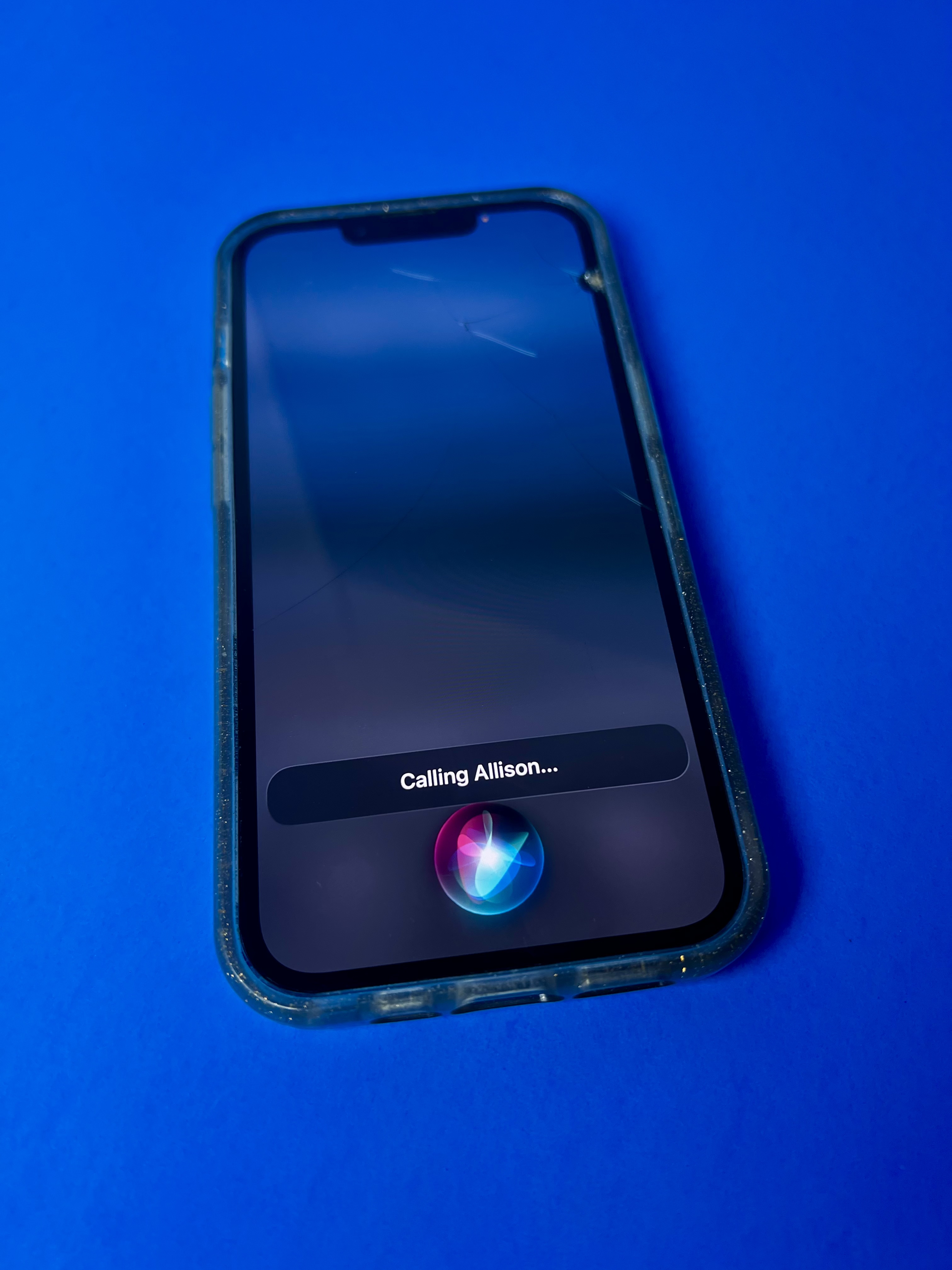
Use Siri to Call or Text
- If your iPhone is nearby, Siri can call or text a family member or caregiver without requiring you to pick up or unlock the phone.
- This is useful if someone has tremors, visual impairment, or struggles to navigate a phone.
- Learn how to set up Siri on your iphone in this article from Apple: Turn on and activate Siri on iPhone
Set Up Emergency ByPass Contacts
Configure contact settings on iPhone (Emergency Bypass) or Android (Allow Exceptions) for specific household members. This guarantees that standard phone calls or texts from that person will ring out loud, bypassing Silent or Sleep modes. Find out how in our article How to Let Important Calls Ring Through Silent Mode on iPhone and for Android: How to set up Do Not Disturb with exceptions for iOS and Android.